Cutting Costs, Not Quality
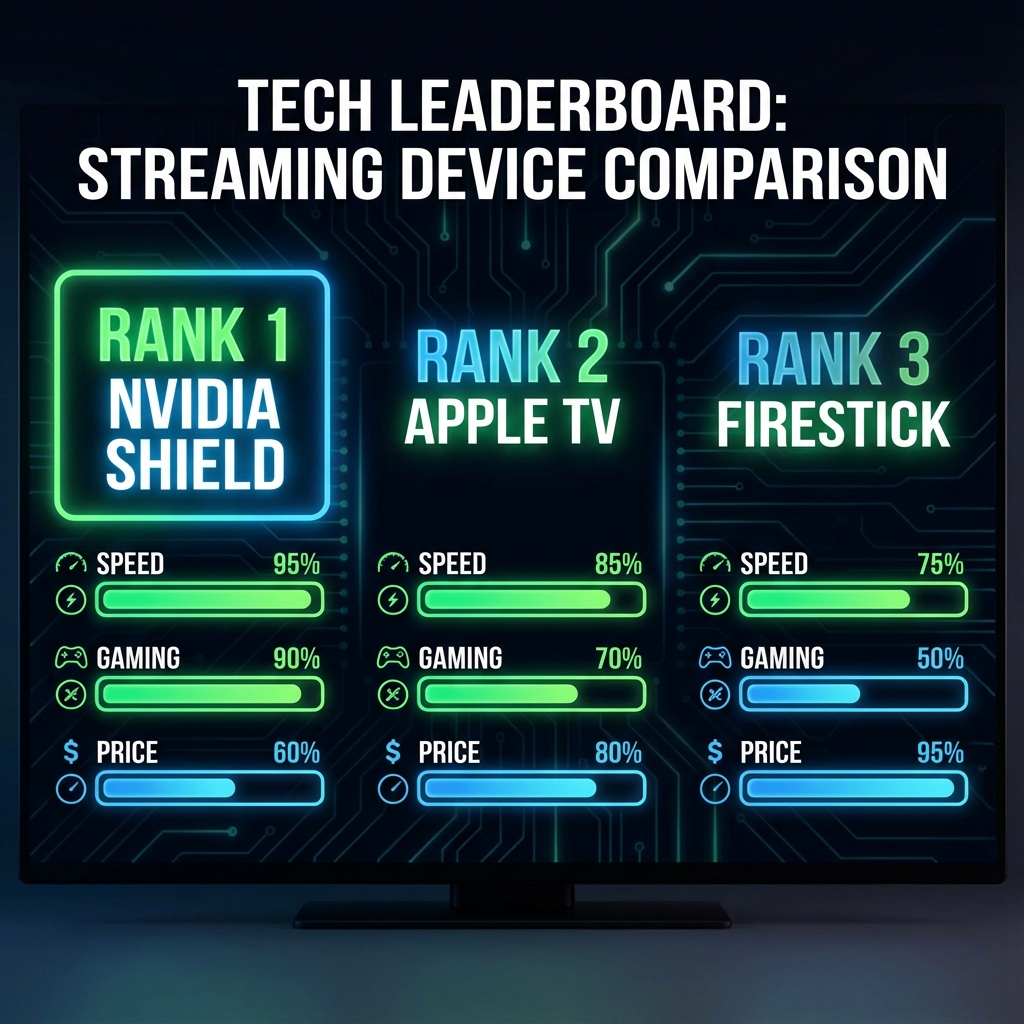
The myth is that you need a $200 Nvidia Shield to watch 4K. False. In 2026, chips have become so cheap that budget devices can handle 4K 60fps streams with ease. Here is your shopping list for the ultimate sub-£50 setup.
Item 1: Amazon Fire TV Stick Lite (or 4K on Sale) - £29.99
Wait for a Prime Day or sale. You can often grab the Fire Stick 4K for £35, or the Lite version for £25. The Lite version is 1080p only, but if you don't have a 4K TV, it's plenty fast.
Item 2: Ethernet Adapter (Optional but Recommended) - £12.00
Wifi can be unstable. For rock-solid sports streaming, buy a cheap UGREEN micro-USB to Ethernet adapter. Hardwiring your connection eliminates 90% of buffering issues.
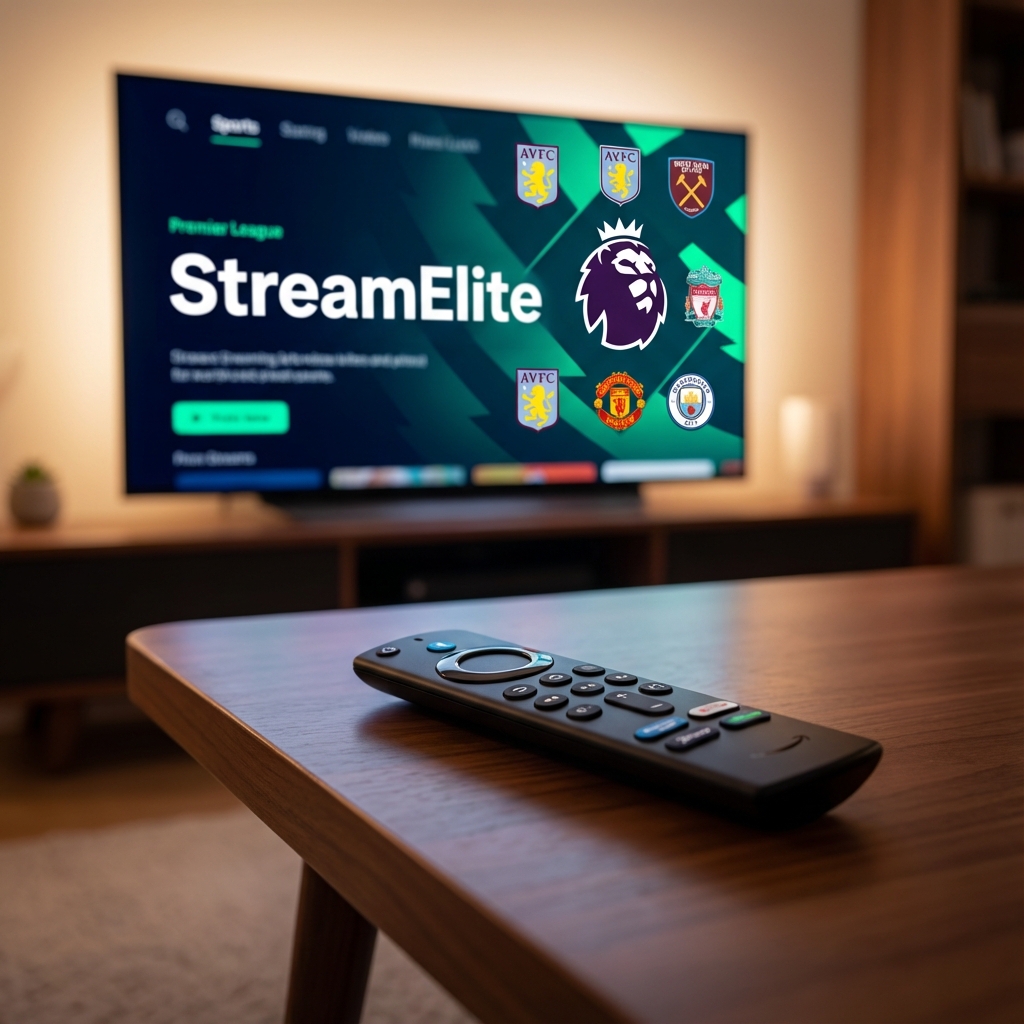
Item 3: StreamElite Trial - Free
Don't commit to a year immediately. Use our 24h Paid Trial (or low cost intro month) to test the waters.
The Setup Process
- Plug the Firestick into your TV's HDMI.
- Download the "Downloader" app.
- Install Smarters Pro (Free).
- Login with your StreamElite credentials.
Total Cost: ~£42.00
For less than the price of a fancy dinner, you have unlocked 35,000+ channels and everyday movies. Beats paying £80/month to Sky, doesn't it?