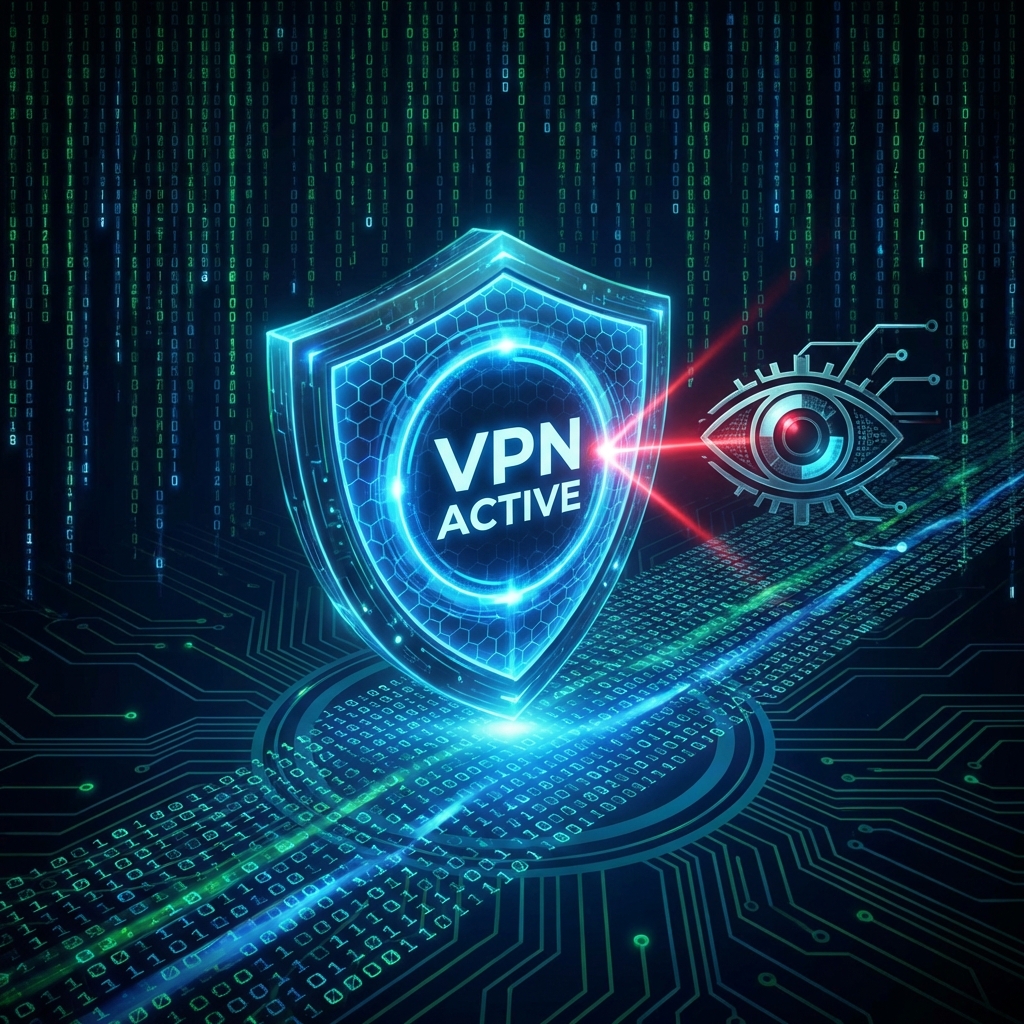
The Naked Truth
Imagine walking down the street with a transparent backpack. Everyone can see your wallet, your keys, and your diary. That is Internet without a VPN. Your ISP (Comcast, AT&T, Virgin, Sky) logs every single connection you make.
Reason 1: ISP Throttling (The "Buffering" Fix)
Have you noticed that your stream runs perfectly at 10 AM but buffers at 8 PM? This isn't always "congestion". It's Throttling. ISPs detect "High Bandwidth Streaming" signatures and deliberately slow you down to save their network capacity.
- The Fix: A VPN encrypts your traffic. Your ISP sees "Data", but they don't know it's a 4K Football stream. They can't throttle what they can't identify.
Reason 2: Privacy & Legal Safety
In 2026, copyright holders are aggressive. They send "Cease and Desist" letters to ISPs, who then forward them to you.
- The Shield: With a VPN (like NordVPN or Surfshark), your IP address is hidden. You are physically in London, but digitaly in Switzerland.
Recommendation: Which VPN?
Don't use "Free VPNs" (they sell your data). For Firestick users, we recommend Surfshark.
- Why? It has a native Firestick App, "Kill Switch" (cuts internet if VPN drops), and it's cheap (~$2/mo).
How to Install on Firestick
- Go to Find > Search on Firestick.
- Type "Surfshark" (or NordVPN).
- Install and Log In.
- Standard Protocol: Connect to WireGuard (Fastest for streaming).
- Open StreamElite.