How to Fix Tivimate Buffering on Firestick 4K (2026 Ultimate Guide)
There is nothing more frustrating than watching your team advance into the penalty box, only for the screen to freeze with a spinning loading circle.
If you are using Tivimate Premium on an Amazon Firestick 4K, you are using arguably the best hardware/software combination available for streaming. So why is it buffering?
In this comprehensive guide, we will walk you through the technical steps to eliminate buffering, clear your cache, optimize your network, and explain why your current provider might be the real culprit.
Step 1: Optimize Tivimate Buffer Size Settings
Tivimate has built-in settings to handle minor network fluctuations. If your stream stutters, adjusting the buffer size is the first step.
- Open Tivimate and go to Settings (the gear icon).
- Navigate to Playback.
- Select Buffer Size.
- Change it from None or Small to Large or Very Large.
Why this works: A larger buffer downloads more of the video stream in advance. If your Wi-Fi drops for a microsecond, the pre-loaded video continues playing smoothly without you ever noticing.
Step 2: Clear Firestick Cache and RAM
The Firestick 4K is powerful, but it only has 1.5GB to 2GB of RAM. If you have been jumping between Netflix, YouTube, and Tivimate, the RAM gets clogged.
- Go to the Firestick Home Screen.
- Navigate to Settings > Applications > Manage Installed Applications.
- Scroll down to Tivimate and click it.
- Select Force Stop, then select Clear Cache. (Do not click Clear Data, or you will lose your playlists!).
Pro Tip: Unplug your Firestick from the wall for 60 seconds once a week to completely flush the RAM.
Step 3: Change the Video Decoder
Sometimes, the stream format isn't playing nicely with the default decoder.
- In Tivimate, go to Settings > Playback.
- Find the Video Decoder option.
- Switch it from Hardware (HW) to Software (SW), or vice versa, and see if the stream stabilizes.
Step 4: The Network Check (Wired vs. Wireless)
4K streaming requires significant bandwidth (typically 15-25 Mbps). However, speed isn't everything—stability (low packet loss) is more important.
- If you are on Wi-Fi, ensure your Firestick is connected to the 5GHz band on your router, not the 2.4GHz band. 5GHz is faster and less prone to interference from microwaves and Bluetooth devices.
- The Ultimate Fix: Buy an OTG Ethernet adapter for your Firestick ($15 on Amazon). Hardwiring your connection eliminates 99% of local network buffering issues.
The Hard Truth: It’s Usually Your Provider
If you have tried all the steps above and you are still experiencing buffering—especially during major events like the Champions League final or a UFC PPV—the problem is not your Firestick, and it's not Tivimate.
The problem is your provider's servers.
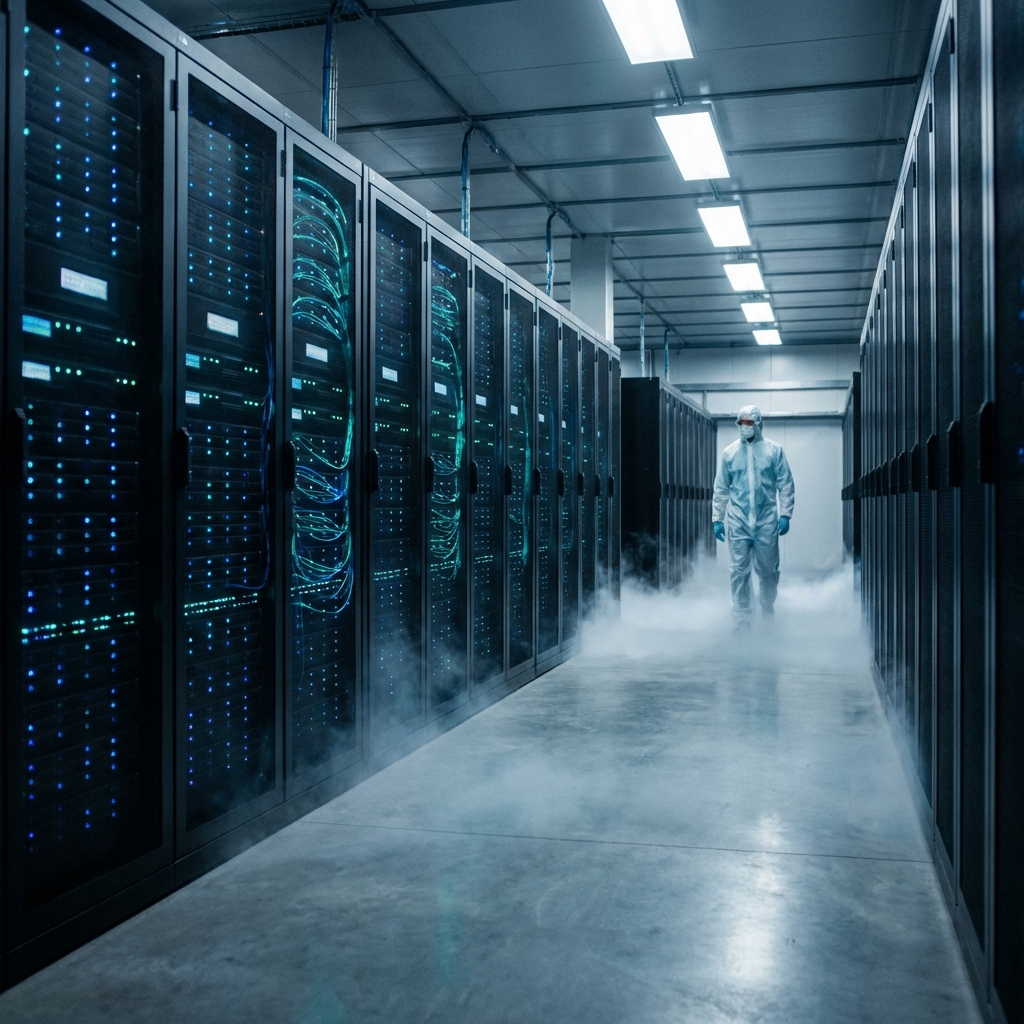
Many cheap providers use low-tier, oversold servers. When a popular match starts, thousands of users log in simultaneously. The server bandwidth maxes out, and everyone experiences the dreaded buffering circle.
The StreamElite Solution
At StreamElite, we built our infrastructure differently to ensure a buffer-free experience.
- Anti-Freeze 9.0 Technology: We use dynamic server-side load balancing. If a specific channel experiences a traffic spike, our system instantly reroutes the stream through backup servers in milliseconds.
- Tier-1 CDNs: We don't use single servers in a basement. We utilize enterprise-grade Content Delivery Networks located in North America, Europe, and Asia.
- Optimized for Tivimate: Our XTREAM Codes API endpoints are specifically optimized to handshake rapidly with Tivimate's EPG and playback engine.
Stop fighting with your TV. Upgrade to a premium infrastructure designed for 4K sports.
👉 Start your risk-free trial with StreamElite today and experience what true buffer-free streaming looks like.