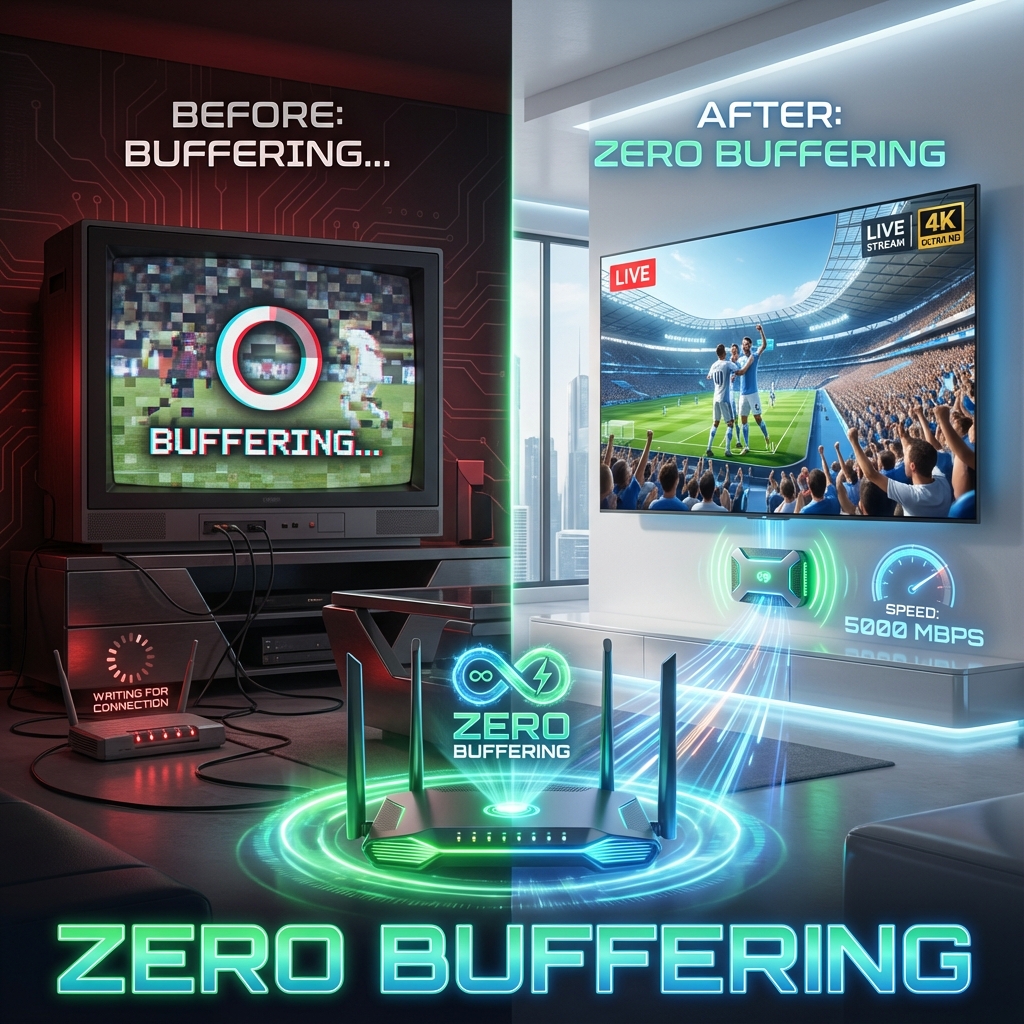
The "Spinning Wheel of Death"
Nothing ruins a Champions League final like buffering. If you have fast internet (100Mbps+) but your IPTV still lags, the issue is likely Jitter or Interference, not speed.
Here are the 5 Technical Fixes that 90% of users ignore.
Fix 1: Change to 5GHz Wi-Fi (Critical)
Most routers have two bands: 2.4GHz (Slow, long range) and 5GHz (Fast, short range). IPTV needs raw speed.
- Action: Go to your Firestick Settings > Network. Check the frequency. If it says 2.4GHz, Forget the Network and connect specifically to the 5GHz band.
Fix 2: Clear the "Cache" Partition
Apps like TiviMate store temporary data. When this gets full, the RAM chokes.
- Action:
- Firestick Settings > Applications > Manage Installed Applications.
- Select TiviMate (or Smarters).
- Click "Clear Cache" (DO NOT click Clear Data, or you lose your playlist).
Fix 3: Change DNS to Cloudflare
ISPs often have slow DNS servers.
- Action: Download the "1.1.1.1" app from the Downloader store. Turn it ON. This routes your traffic through Cloudflare's super-fast DNS.
Fix 4: The Hardware Limit
If you are using a 1st Gen Firestick or an old Smart TV, the processor simply cannot decode 4K HEVC streams fast enough.
- Test: Switch the channel to SD or FHD. If it plays smoothly, your hardware is the bottleneck. You need a Firestick 4K Max.
Fix 5: ISP Throttling
If none of this works, your ISP is deliberately slowing you down.
- Test: Enable a VPN. If the buffering stops instantly, you have your answer. Read our ISP Throttling Guide.
Verdict
99% of buffering is fixable. Don't suffer in silence.