Why the Fire TV Stick 4K Max is King
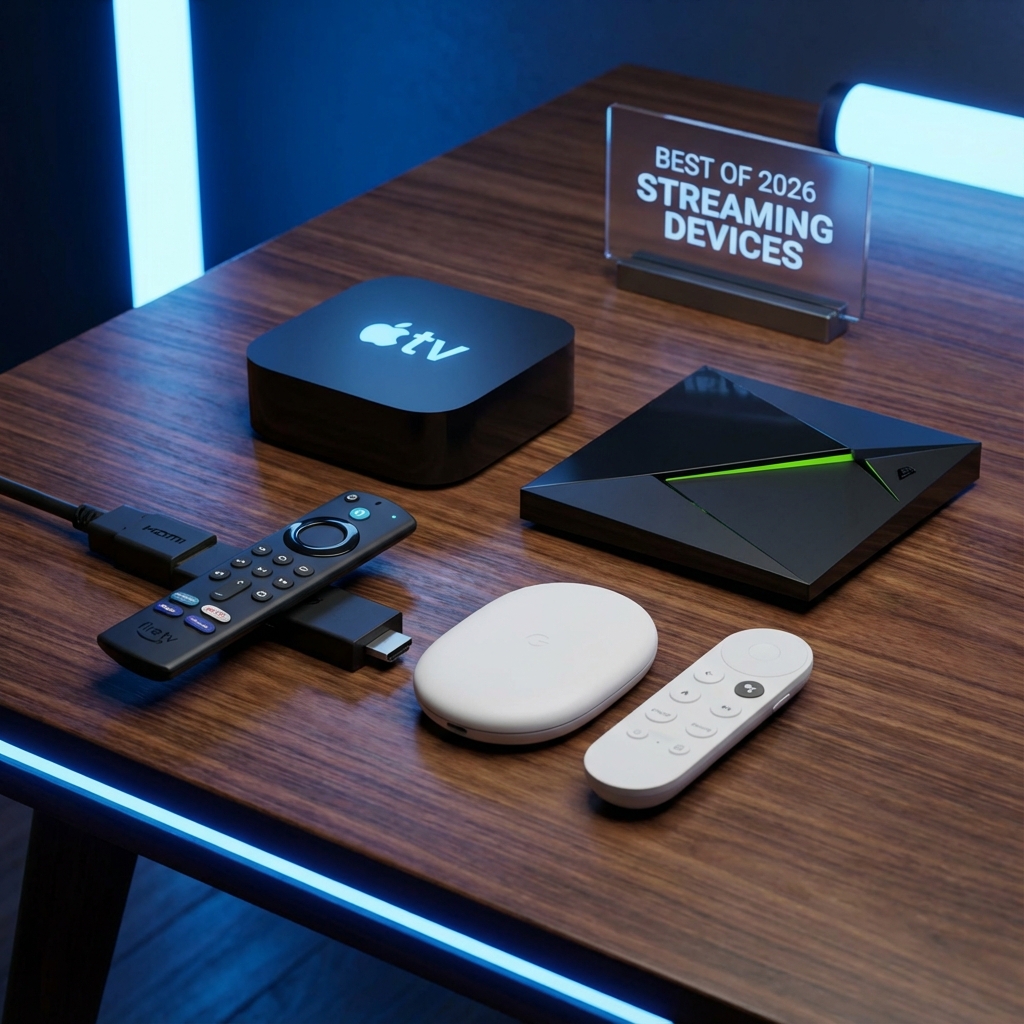
In 2026, there is one device that rules the IPTV world: The Amazon Fire TV Stick 4K Max. Why?
- Price: It often costs under £50 / $50.
- Power: The new 2.0GHz Quad-core processor eliminates menu lag.
- Wi-Fi 6E: It streams 4K HDR content without buffering, even if your router is far away.
If you are using StreamElite, this is the device we recommend.
Step 1: Unlock Your Firestick
Amazon blocks "Unofficial Apps" by default. We need to jailbreak it (legally).
- Go to Settings > My Fire TV > About.
- Click on "Fire TV Stick 4K Max" 7 times quickly until it says "You are now a Developer".
- Go back. Open Developer Options.
- Turn ON "Apps from Unknown Sources".
Step 2: Get the "Downloader" App
You can't find TiviMate in the App Store. You need a tool to sideload it.
- Open the Amazon App Store.
- Search for "Downloader".
- Install and Open.
Step 3: Install TiviMate (The Best Player)
TiviMate is the gold standard. It looks like a real Cable TV box.
- Open Downloader.
- In the URL bar, type the Quick Code (e.g., 795213 typically downloads TiviMate, or check our email for the direct link).
- Click Go. Wait for the APK to download.
- Click Install.
Step 4: Configure StreamElite
- Open TiviMate.
- Select "Add Playlist" > "Xtream Codes".
- Enter your details:
- Server Address: http://line.streamelite.app
- Username & Password: (Check your Welcome Email)
- Click Next. Choose "TV Guide" if asked.
Done!
You now have a premium Cable TV experience for a fraction of the price. The Fire Stick 4K Max handles the 4K streams from StreamElite perfectly.
Don't have a subscription yet? Get your instant access here.