Understanding the MAG Ecosystem
MAG boxes (by Infomir) don't use usernames and passwords like apps. They use MAC Address Authentication (Stalker Portal). This is more secure and ties the subscription to your specific device hardware.
Step 1: Find Your MAC Address
Flip your box over. Look for a sticker. You will see a code like 00:1A:79:XX:XX:XX. Write this down. You MUST send this to us (StreamElite Support) to activate your trial or plan.
Step 2: Access the Inner Portal
- Boot up the box.
- Go to Settings > System Settings.
- Select Servers > Portals.
Step 3: Enter the Portal URL
You will see "Portal 1 Name" and "Portal 1 URL".
- Portal 1 Name: StreamElite
- Portal 1 URL:
http://mag.streamelite.app(Check your email for the exact current DNS)
Leave Portal 2 empty.
Step 4: Reboot
Press "Save" or "OK". Then go back and select Restart Portal or unplug/plug the power.
Troubleshooting "Page Loading Error"
If you see a yellow/blue loading bar that fails:
- Did you register the MAC? If we didn't activate it on our server, it will block you.
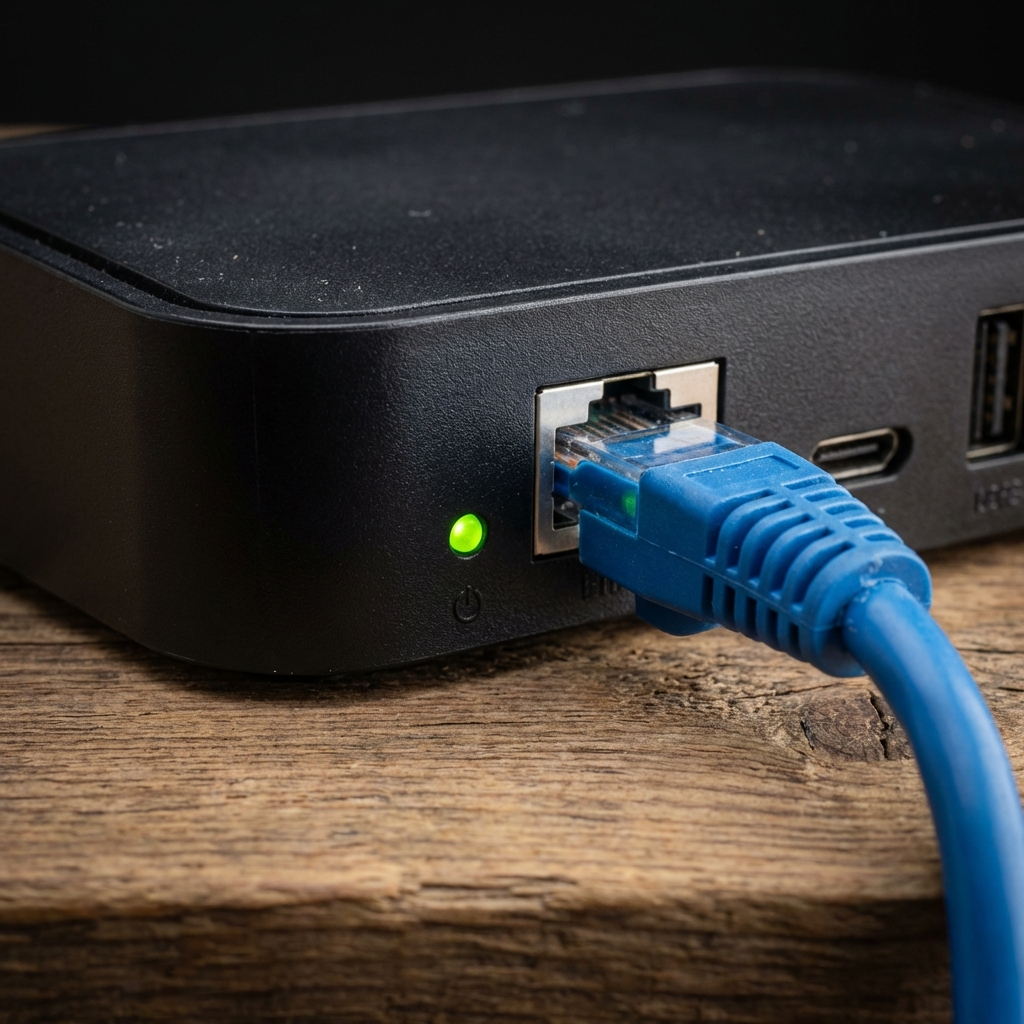
- Is the Internet connected? Check Settings > Network. Ease Ethernet if possible.
- Date/Time Issue: Go to Settings > System Settings > Advanced Settings. Set NTP Server to
pool.ntp.orgto sync time.
Once it loads, you will see the classic yellow/black Stalker interface. Enjoy the stability!