The "Fake 4K" Epidemic
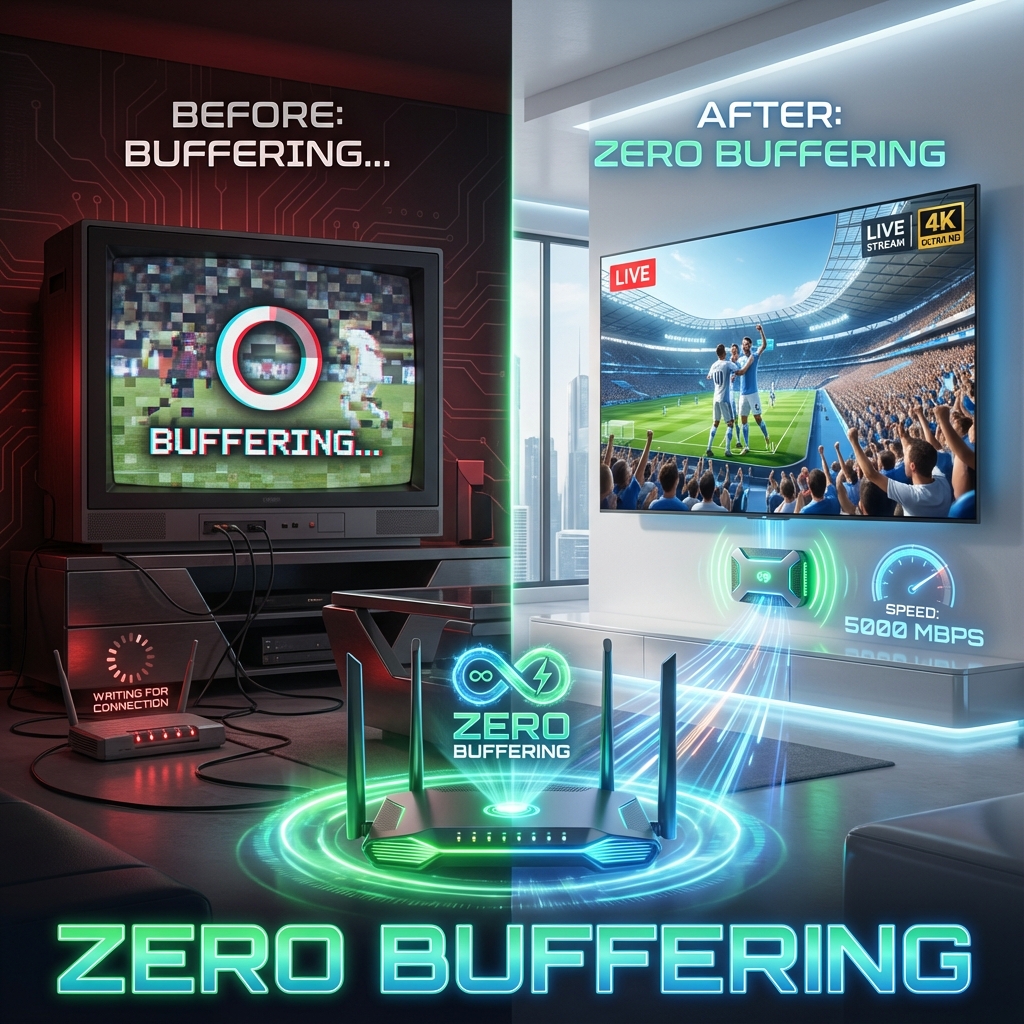
In 2026, every TV is sold as "4K". Every streaming service claims "UHD". Yet, when you try to watch the Premier League or F1, the ball is blurry, the grass is pixelated, and the stream buffers.
Why? Because Resolution (Pixels) is not the same as Bitrate (Data).
Netflix 4K uses about 15 Mbps. StreamElite 4K (Raw Feed) uses 25-40 Mbps. A 4K Blu-ray uses 80+ Mbps.
If you want the "Glass-Like" quality you see in our screenshots, you need to upgrade your ecosystem. This guide is the technical blueprint for the perfect setup.
Part 1: The "True" Internet Requirement
Most people run a SpeedTest on their phone and see "100 Mbps". They think they are safe. They are wrong.
Bandwidth vs. Stability (Jitter)
IPTV is a UDP protocol (Live). It is unforgiving.
- Netflix (TCP): Buffers 30 seconds ahead. If your internet drops for 2 seconds, you never notice.
- Live IPTV (UDP): Buffers 3 seconds. If your internet drops for 0.5 seconds, the stream freezes.
The Golden Rules:
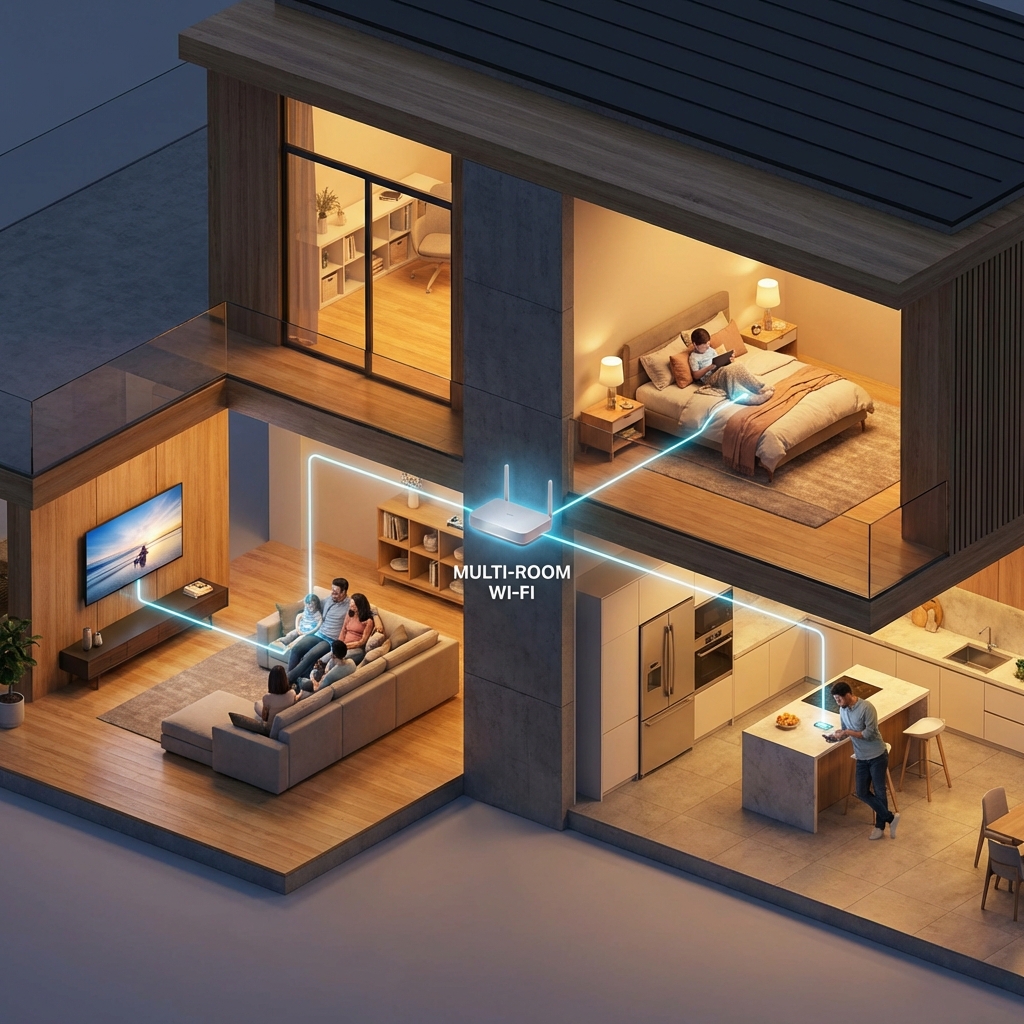
- Ethernet is Mandatory: A $10 cable beats a $300 Gaming Router. Wi-Fi has invisible interference (Microwaves, Neighbors). Ethernet has zero.
- Ping > Speed: You want a Ping under 20ms and "Jitter" under 3ms.
- Real Speed Requirements:
- SD/HD: 10 Mbps
- FHD (1080p 60fps): 20 Mbps (Standard Sports)
- 4K UHD (2160p): 40Mbps+ (Dedicated)
Part 2: The Hardware Bottleneck
This is the #1 reason for "Laggy Menus" and "Stuttering Sports".
Why your $2,000 Smart TV is failing
TV manufacturers put expensive screens but cheap processors ($5 chips) inside their TVs. They can handle Netflix (slow apps) but choke on TiviMate processing a 40Mbps stream with 20,000 channels in the guide.
The Processor Tier List (2026)
S-Tier (The "End Game"): Nvidia Shield TV Pro
- Why: AI Upscaling. It takes a 1080p Football match and uses AI to sharpen it to 4K in real-time. It is magic.
- Price: ~$200.
A-Tier (The "Smart Choice"): Fire TV Stick 4K Max (Gen 2)
- Why: Affordable ($50), Wifi 6E, and handles AV1 decoding perfectly.
- Verdict: The best device for 95% of people.
B-Tier: Apple TV 4K
- Why: fastest processor (A15), but TiviMate is not available. You must use "TiviMax" or "UHF", which are good but not quite TiviMate level.
F-Tier: Built-in Smart TV Apps
- Why: Slow, crash often, outdated Wi-Fi chips.
Part 3: The "50Hz Bug" (European Sports Stutter)
Have you noticed watching the Premier League feels "jittery", like the ball is teleporting? This is the Refresh Rate Mismatch.
- US TV Standard: 60Hz (60fps).
- European Sports (Sky/BT): 50Hz (50fps).
If you play 50fps content on a 60Hz screen, the TV has to "invent" 10 fake frames every second. This causes Judder.
The Fix:
- On Firestick: Go to Display Settings > Turn ON "Match Frame Rate".
- On TiviMate: Go to Settings > Playback > Turn ON "AFR" (Auto Frame Rate).
- Result: Your TV will switch to 50Hz mode automatically when you watch Sky Sports. The smoothness will shock you.
Part 4: VPN & Throttling
If your fast hardware still buffers at 8 PM, your ISP is cheating you. They use Deep Packet Inspection to see you are streaming. We recommend NordVPN or Surfshark with the WireGuard protocol enabled. This encrypts your stream so your ISP sees "Garbage Data" instead of "High Bandwidth Video".
Conclusion: The Perfect Setup
If you want the ultimate experience, here is your shopping list:
- Device: Firestick 4K Max or Nvidia Shield.
- Internet: Ethernet Cable (Cat6).
- App: TiviMate Premium.
- Setting: AFR Turned ON.
- Service: StreamElite Premium.
Don't settle for "Okay" quality. Build the setup your 4K TV deserves.