Be Your Own Technician
IPTV is high-tech, but it's not magic. Usually, when it breaks, it's one of three things: Network, App, or Device.
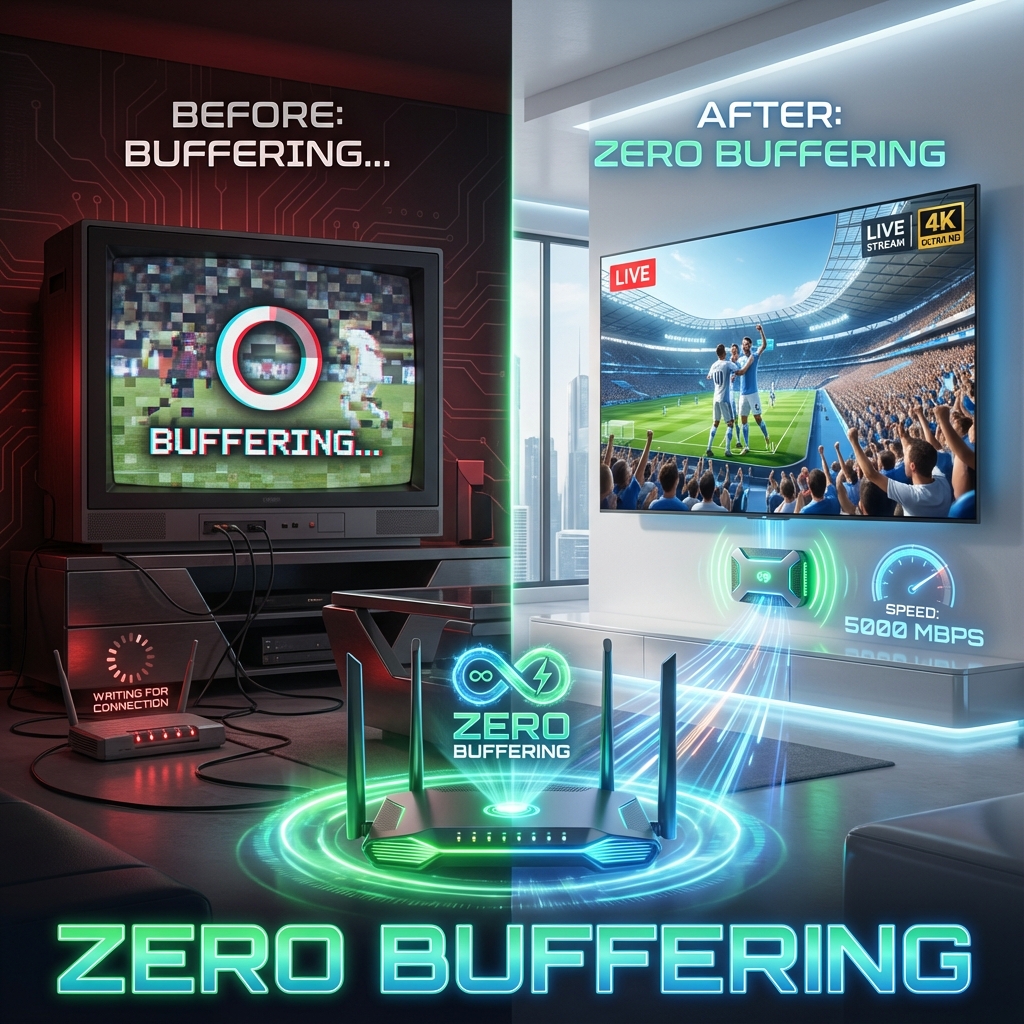
Problem 1: Buffering (The Classic)
The Fix: Restart your Router. Seriously.
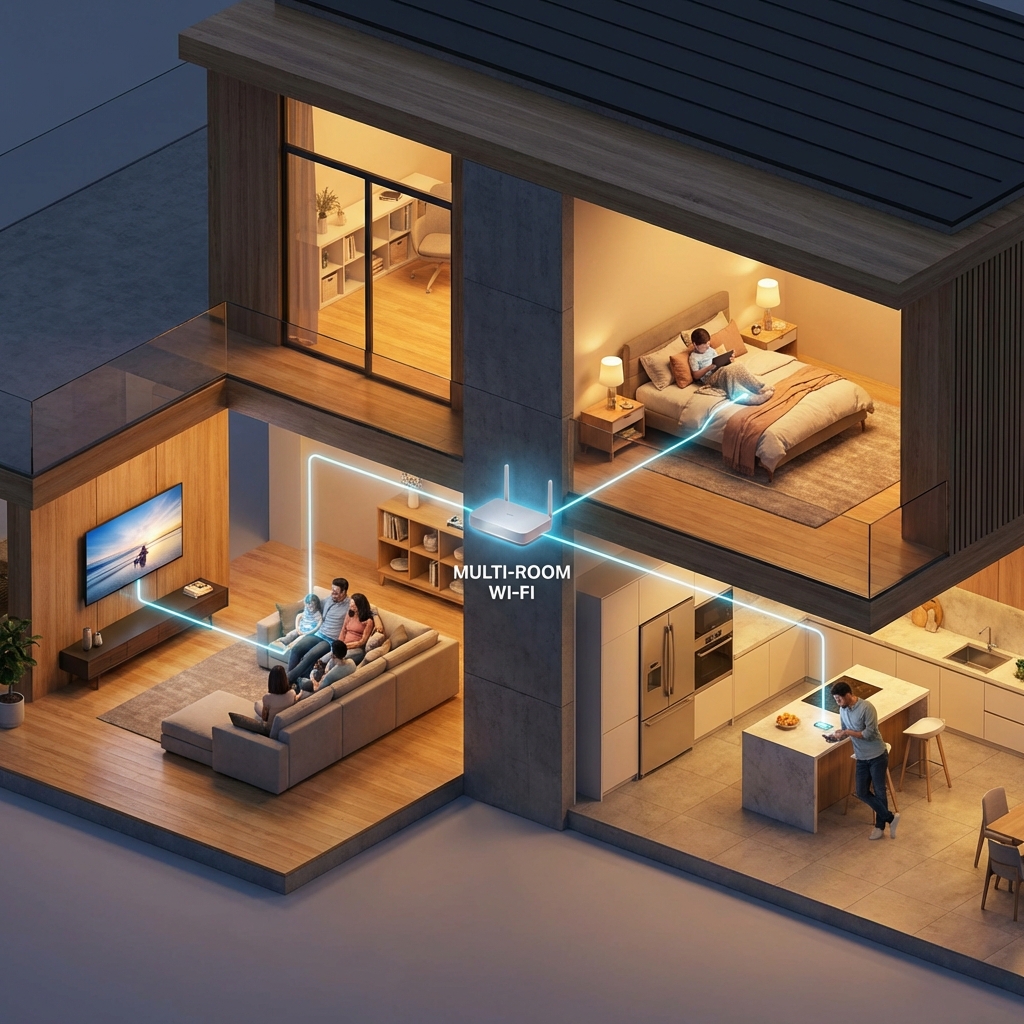
Routers get "clogged" with error logs over time. A 30-second power cycle clears the cache and finds a fresh interference-free Wi-Fi channel.
Problem 2: "EPG Failed to Load"
The Fix: Your EPG (Electronic Program Guide) is a large file.
- Go to TiviMate Settings > EPG.
- Click "Update EPG".
- If that fails, check your playlist URL. Did you type it 100% correctly?
Problem 3: Audio Out of Sync
The Fix: This happens often with Bluetooth soundbars.
- Option A: Use an optical cable instead of Bluetooth.
- Option B: In TiviMate, whilst watching a stream, bring up the bottom menu > Audio Sync > Adjust by +/- 200ms until it matches.
Problem 4: "Stream Loop"
If the stream keeps jumping back 10 seconds, your player is struggling to decode the stream.
The Fix: Change "Decoder" in settings from Hardware to Software (or vice versa).