Life with WebOS
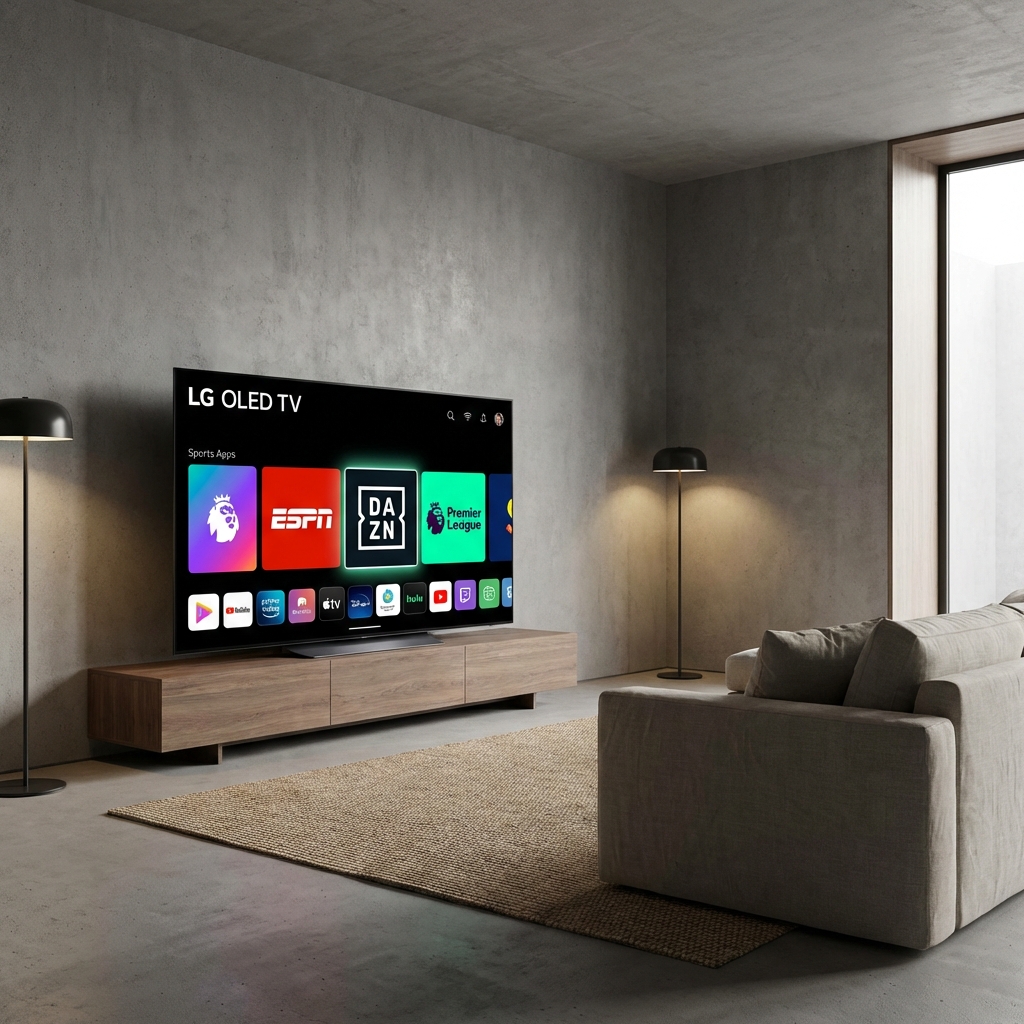
LG's WebOS is arguably the best Smart TV interface in the world. The "Magic Remote" (mouse pointer) makes navigating apps a breeze. However, for IPTV, it has the same limitation as Samsung: No TiviMate.
Here is how to get the best experience on your LG TV in 2026.
Option A: The Native Route (IBO Player)
The LG Content Store has a few decent IPTV players. Our Top Pick: IBO Player Pro
- Press the Home button on your Magic Remote.
- Open the LG Content Store.
- Search for "IBO Player" (Avoid "IPTV Smarters" clones, they often crash).
- Install and Open.
- Activate: You will see a Device ID/Key. Enter these on the IBO website along with your StreamElite Playlist URL.
- Reload: Restart the app.
- Tip: Use the Magic Remote pointer to scroll through the channel list quickly.
Option B: The Performance Route (Firestick)
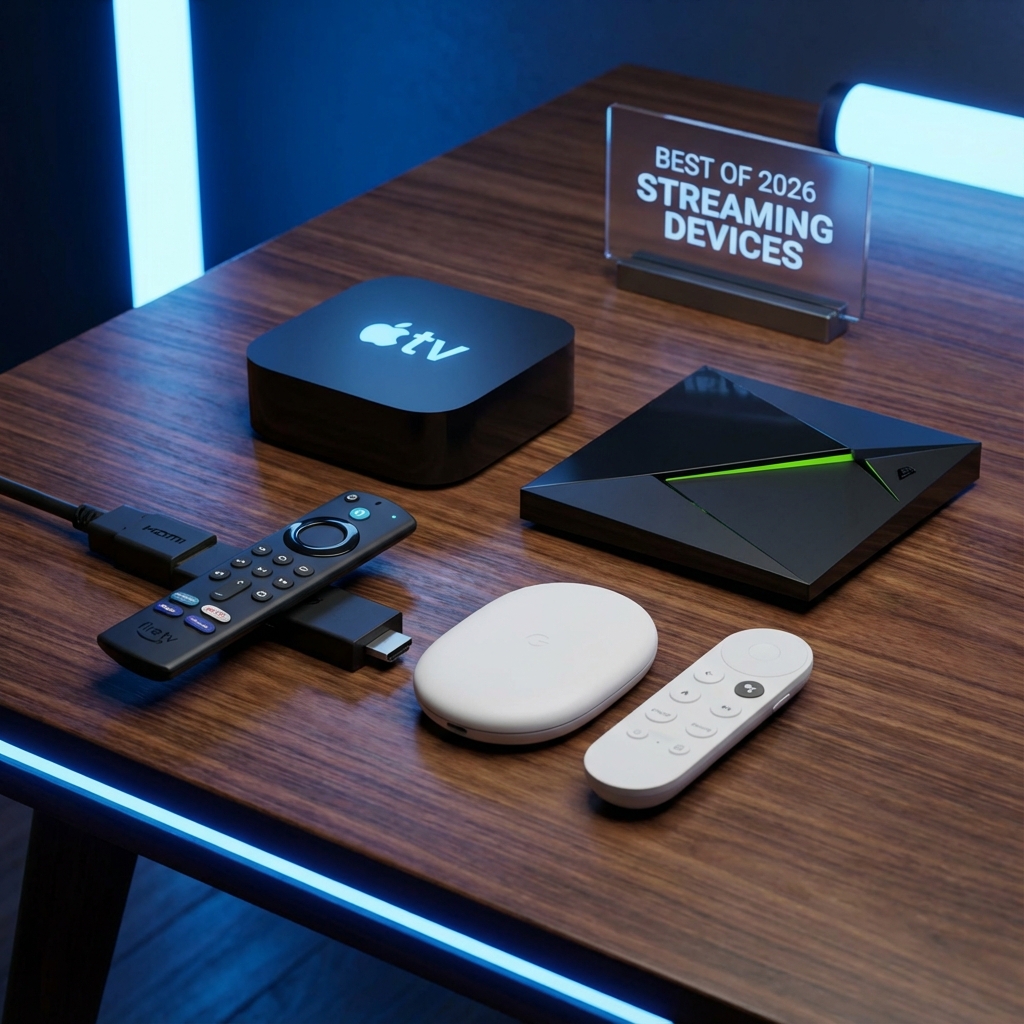
LG TVs have amazing screens (OLED), but their processors can struggle with high-bitrate 4K sports streams. If you notice "micro-stuttering" during football matches, it's likely the TV CPU, not the internet. The Fix: A Firestick 4K Max. It offloads the processing work and gives you TiviMate.
Verdict
Try IBO Player first. If you are happy, great. If you want "DVR Recording" and "Multi-View", get a Firestick.