The Samsung Dilemma
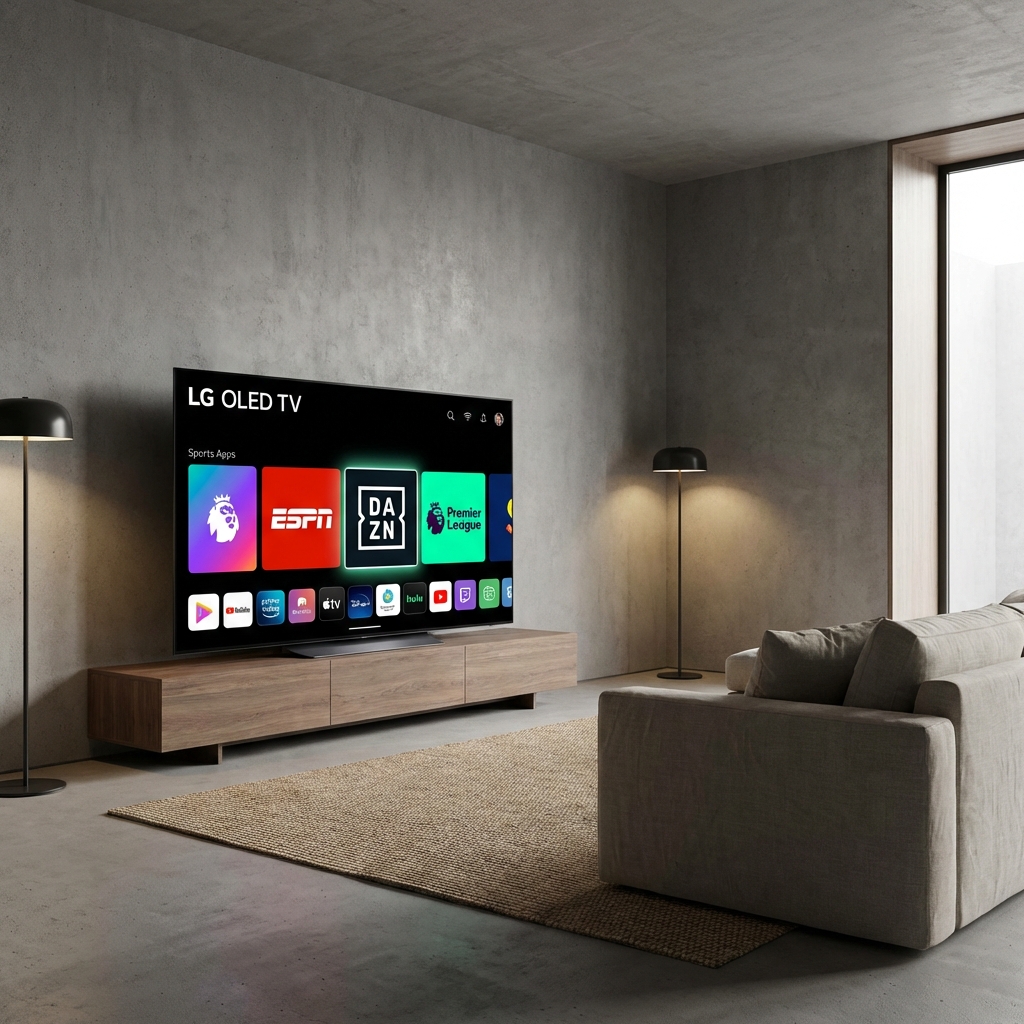
Samsung makes beautiful 4K screens. But their software (Tizen OS) is a "Walled Garden". Unlike Android TV, you cannot just install any app you want. TiviMate is NOT available on Samsung.
So, you have two choices.
Option A: The "Native" Way (No Extra Hardware)
If you want to use the TV remote and nothing else, you need a "Player" app from the Samsung Store.
We Recommend: IBO Player Pro (Best Native App)
- Turn on your Samsung TV.
- Press the Home button and go to Apps.
- Search for "IBO Player" (or "Smarters Player Lite" if available).
- Install and Open.
- You will see a MAC Address and Device Key on the screen.
- Go to the IBO Player website on your phone, enter these codes, and paste your StreamElite M3U Link (from your welcome email).
- Restart the app on your TV.
- Pros: Clean setup, one remote.
- Cons: Apps can be slow, no "Catch-Up" features, often costs ~£8 for the app license.
Option B: The "Pro" Way (Buy a Firestick)
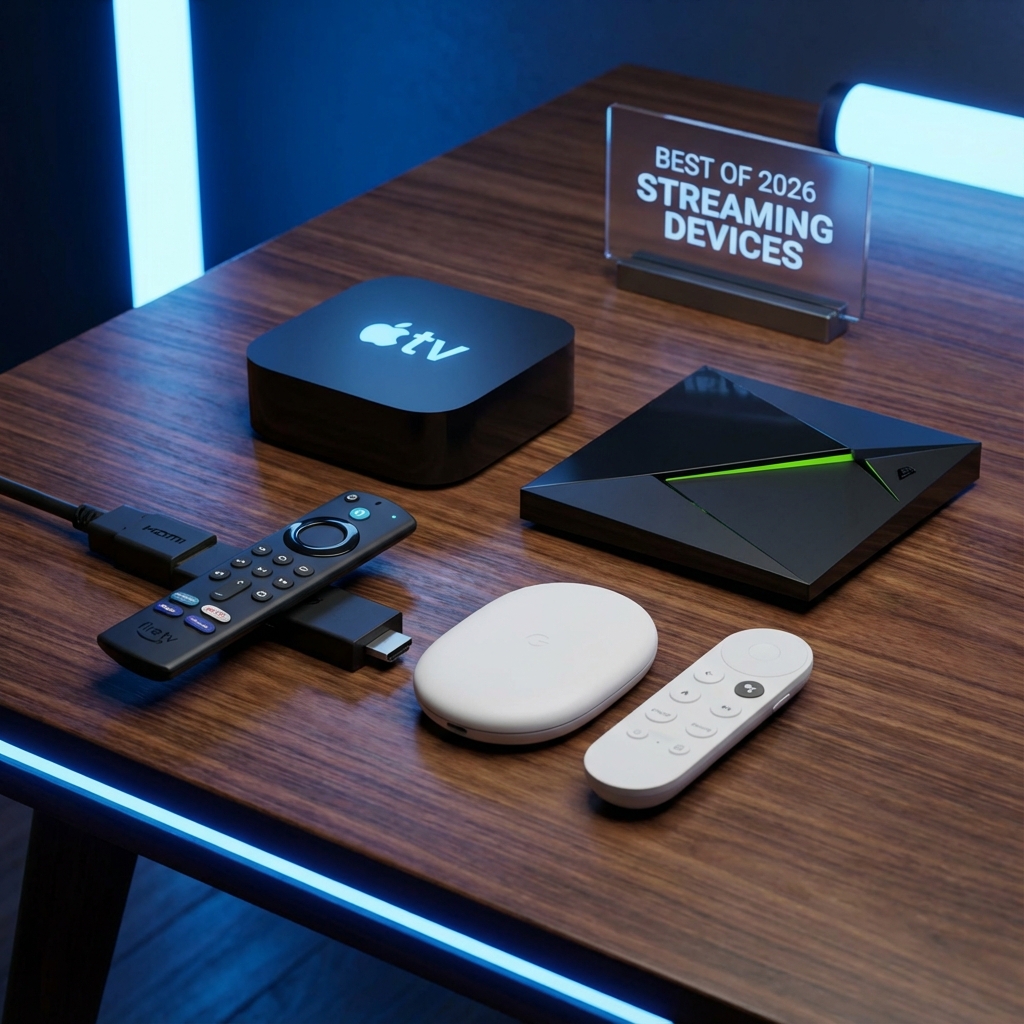
If you want the true StreamElite experience (4K, Anti-Buffer, TiviMate), bypass Samsung's software. Plug an Amazon Fire TV Stick 4K Max into the HDMI port.
- Why? You get access to TiviMate, which is 10x faster and better than any Samsung app.
Conclusion
If you just want casual TV, use IBO Player. If you want a premium sports experience, grab a Firestick.