Why Apple TV is the Best IPTV Device
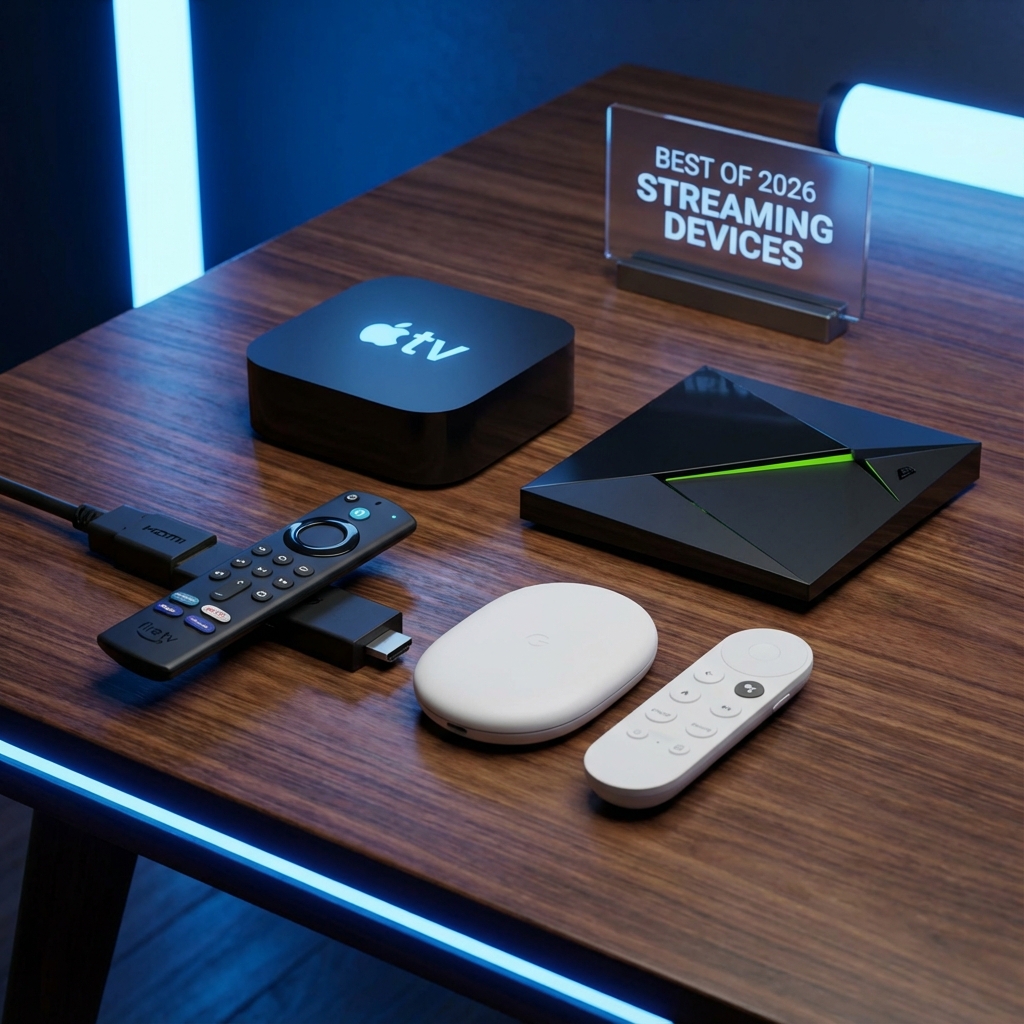
If you care about picture quality, the Apple TV 4K is king. Its processor handles 4K HDR streams better than any stick on the market. The only downside? It's a "closed garden", meaning you can't just download any APK file like on Firestick.
But don't worry. There are amazing native apps on the App Store that make StreamElite look incredible.
Option 1: IPTVX (The "Netflix" Experience)
This is the most beautiful IPTV app for Apple TV. It syncs your content and displays it exactly like Netflix, with auto-play trailers and "Continue Watching" rows.
- Cost: Free to try / ~$20 Pro (One time).
- Verdict: Worth every penny.
Setup Instructions:
- Go to the App Store on your Apple TV.
- Search for "IPTVX".
- Open the app and select "Xtream Codes API".
- Enter the details sent in your StreamElite Welcome Email:
- Server URL: (e.g., http://line.streamelite.app)
- Username: (Your Username)
- Password: (Your Password)
- Click Login. Let it sync (it might take a minute to pull all covers).
Option 2: Smarters Player Lite (The Free & Familiar Choice)
If you want the classic "Cable TV" look with a standard grid guide (EPG), this is your best free bet.
Setup Instructions:
- Search for "Smarters Player Lite" in the App Store.
- Open it and accept the Terms.
- Select "Login with Xtream Codes API".
- Enter content:
- Name: StreamElite
- Username & Password: (Your details)
- URL: (Your Server URL)
- Click Add User.
Troubleshooting: "Invalid Details"?
Apple TV apps are strict about typos.
- Check for "Capital Letters".
- Ensure there are no spaces at the end of the URL.
- If you still have issues, try the "UHF" app as an alternative.
Summary
You spent $150 on the best box; use the best service. IPTVX + StreamElite is the gold standard of modern TV.