How to Install IPTV Smarters Pro on Firestick (2026 Update)
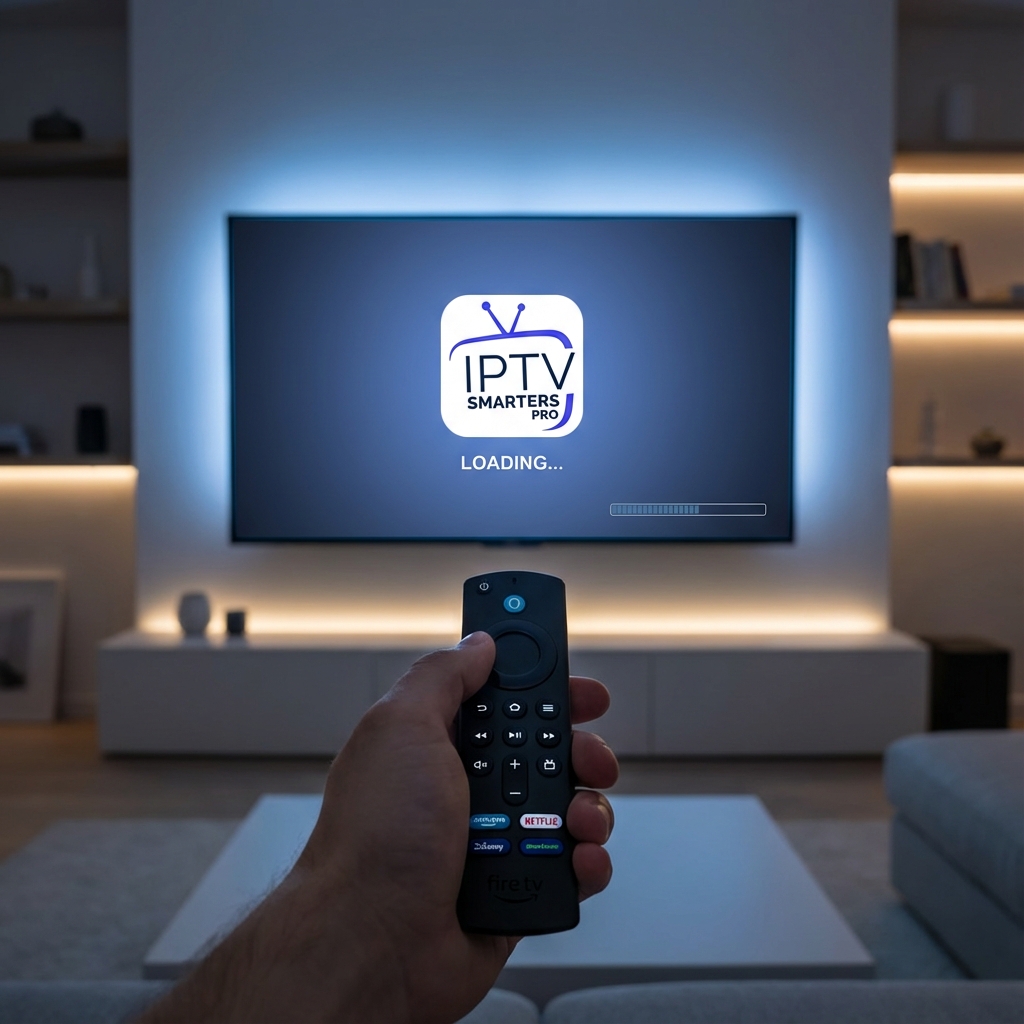
IPTV Smarters Pro remains the most popular IPTV player in the world. It’s clean, it’s fast, and it works perfectly on Amazon Fire TV Stick.
However, since 2024, the app has been removed from the official Amazon App Store. To get it, you need to "sideload" it.
Don't worry—"sideloading" sounds technical, but it just means "downloading a file." This guide will walk you through the process step-by-step. You will be watching TV in less than 5 minutes.
Step 1: Designate Your Firestick for Development
By default, Amazon blocks unofficial apps. We need to turn off that lock.
- Go to Settings (Gear Icon) on your Firestick Home Screen.
- Select My Fire TV.
- Click About.
- Important: Scroll down to Fire TV Stick 4K (or whatever your device name is) and click the Center Button on your remote 7 times fast.
- You will see a message: "No need, you are already a developer."
- Press the Back button. You will now see a new menu called Developer Options.
- Open Developer Options.
- Turn ON "Apps from Unknown Sources" (or "Install Unknown Apps" > Turn ON for Downloader).
Step 2: Get the "Downloader" App
- Press the Microphone button on your remote.
- Say "Downloader".
- Install the orange app called Downloader.
Step 3: Install IPTV Smarters Pro (Verified 2026 Link)
- Open Downloader.
- In the URL box, type this shortcut code:
78522(or tryiptvsmarters.com/smarters.apkif that code expires). - Click Go.
- The file will begin downloading. It is about 80MB.
- When finished, a popup will appear. Click Install.
- Click Done (not Open).
- Pro Tip: Click Delete on the APK file to save space on your Firestick. You don't need the installer anymore.
Step 4: Login & Setup
- Go to your Apps & Channels list.
- Find IPTV Smarters Pro and open it.
- Select "Login with Xtream Codes API" (This is the best method).
- Enter your details from StreamElite:
- Any Name:
StreamElite - Username: (From your email)
- Password: (From your email)
- URL:
http://line.streamelite.app(Example)
- Any Name:
- Click Add User.
Troubleshooting "Parse Error" or "Failed to Install"
Problem: "There was a problem parsing the package." Fix: The download was corrupted. Delete the file and try downloading it again. Ensure you have at least 1GB of free space on your Firestick.
Problem: "URL invalid." Fix: You typed the wrong URL in Step 4. Check your Welcome Email. It must be exact (http:// vs https:// matters).
Why Smarters?
- Multi-Screen: Watch 4 channels at once (requires multi-connection plan).
- Catch-Up: Rewind live TV up to 7 days (if supported by provider).
- Parental Control: Lock adult channels with a PIN code.
Need a Premium Subscription? IPTV Smarters is just a player (a shell). It contains no content. To watch sports and movies, you need a service. StreamElite is ranked the #1 provider for IPTV Smarters in 2026.
- 25,000+ Channels
- Anti-Freeze Technology
- Money-Back Guarantee
[Get Your Trial Credentials Here]