The Perfect Match: StreamElite + Firestick 4K
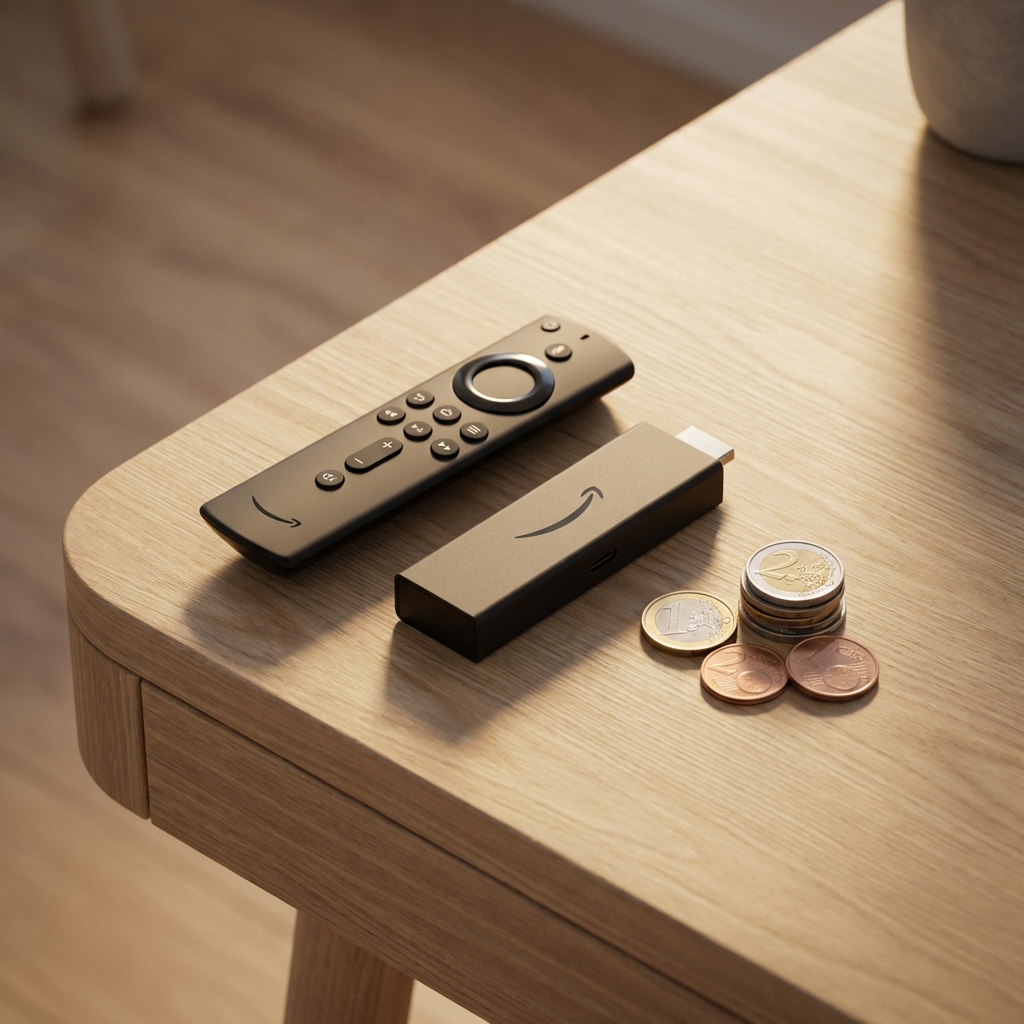
If you own an Amazon Fire TV Stick, you are sitting on a goldmine. It is the most powerful $40 device on the planet. But out of the box, it is just a portal to buy movies from Amazon.
When you combine it with StreamElite, it becomes a Super-Cable Box.
Why Firestick is Better than Smart TV Apps
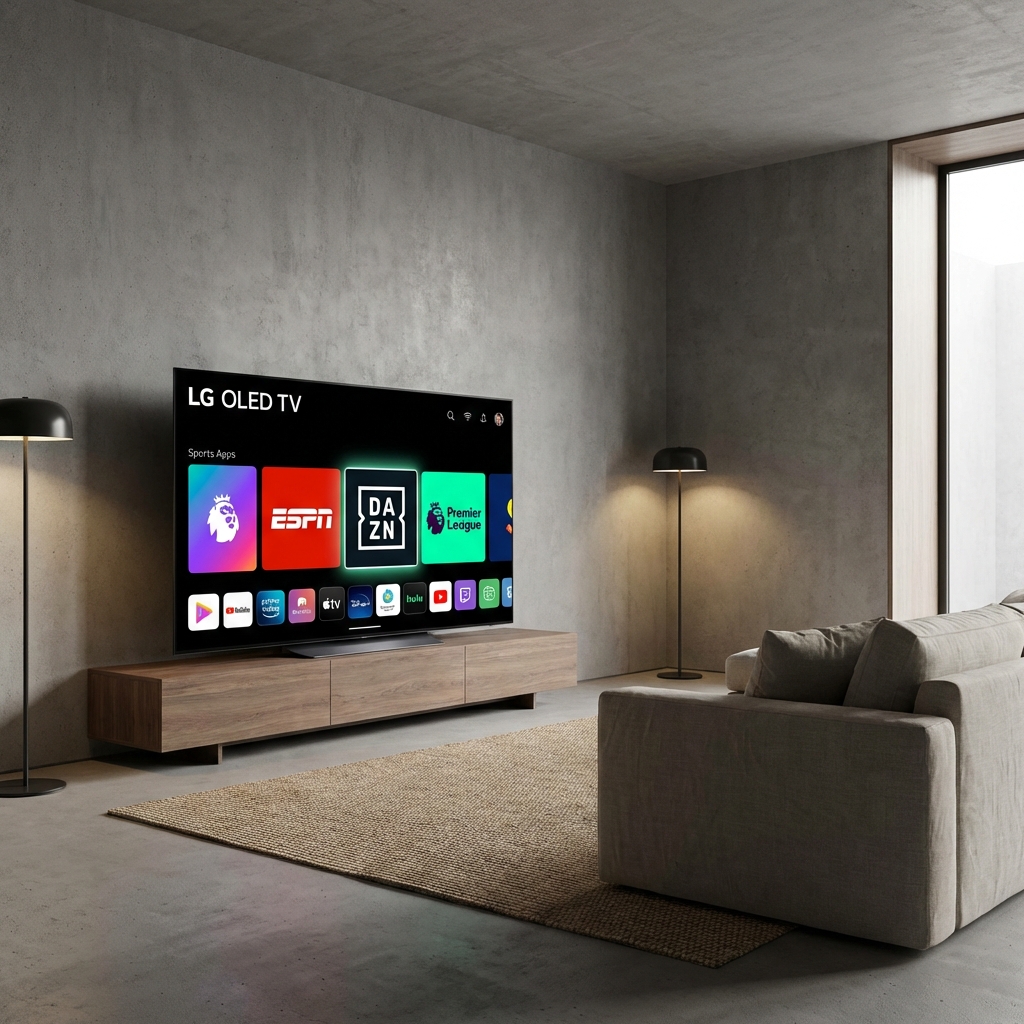
Samsung or LG TVs seem convenient. But their apps (like IPTV Smarters) are:
- Slow: The TV processor is weak.
- Restricted: Samsung deletes "Developer Apps" remotely.
- Wifi-Dependent: Bad antennas.
The Firestick 4K Max (Gen 2) has:
- Wi-Fi 6E: Gig-speed wireless.
- Quad-Core CPU: Instant channel switching.
- Agnostic OS: You can install anything.
The Best App: TiviMate Premium
StreamElite is compatible with all apps, but on Firestick, we strongly recommend TiviMate.
- Look & Feel: It looks exactly like Sky Q / Comcast X1.
- Multi-View: Watch 4 football games on one screen.
- Recording: Schedule recordings to a USB drive.
StreamElite + TiviMate = The Ultimate Experience.
How to Install (5 Minute Guide)
Since StreamElite isn't in the Amazon App Store (because we compete with them), you need to "Sideload" it.
Step 1: Get Downloader
- Go to Find > Search. Type "Downloader".
- Install the orange app.
Step 2: Unlock Developer Mode
- Settings > My Fire TV > About.
- Click "Fire TV Stick" 7 times fast.
- Go back. Open Developer Options.
- Turn ON "Install Unknown Apps" for Downloader.
Step 3: Install StreamElite (or TiviMate)
- Open Downloader.
- Enter our Quick Code: [Check Email for Code].
- Click Install.
Step 4: Login
- Select "Login with Xtream Codes".
- Enter the details from your StreamElite Welcome Email.
- Server: http://line.streamelite.tv
- Username: (YourUser)
- Password: (YourPass)
- Click Login.
Why StreamElite is the Best Choice for Firestick
Many providers block Firesticks because they generate too much traffic. We optimize for them.
- HEVC Codec: We use h.265 compression which saves 50% data, perfect for Wi-Fi sticks.
- Low-Latency: Our servers are tuned for the small buffers of a Firestick.
User Reviews
""I threw away my Cable box. My Firestick 4K Max with StreamElite is faster, has more channels, and costs $15/mo. No brainer." - Mark D, London
Get Started
Turn your dumb TV into a super-computer. Grab a Firestick ($40) and a StreamElite subscription ($15). For $55, you have a setup better than a $2000/year cable contract.