
Setting Up IPTV in 2026: Easier Than You Think
Gone are the days of needing a degree in computer science to watch TV. In 2026, setting up Internet Protocol TV (IPTV) is as simple as downloading an app.
This guide serves as your Central Hub for installing IPTV on any device.
Prerequisites: What You Need Before You Start
- High-Speed Internet: We recommend at least 30 Mbps for smooth 4K streaming.
- Streaming Device: A Firestick 4K, Android TV Box, or just your Smart Phone.
- Subscription: A valid setup sent by your provider (like StreamElite). You usually get a Username, Password, and URL.
The Universal 3-Step Process
Regardless of your device, the process almost always follows this flow:
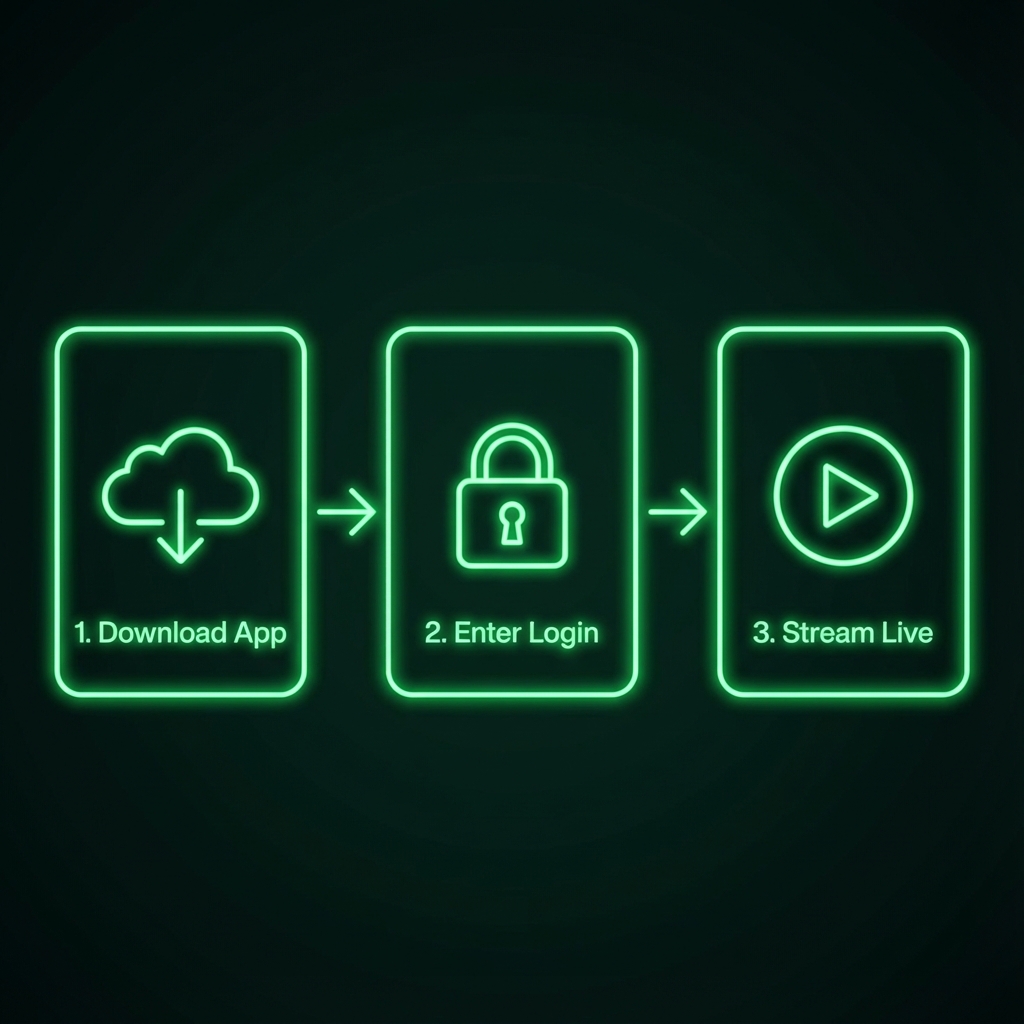
Device-Specific Instructions
1. Amazon Firestick (Most Popular)
The Firestick is the king of IPTV. It's cheap, fast, and open.
- Method: Use the 'Downloader' app to side-load 'IPTV Smarters Pro'.
- 👉 Read the Full Firestick Guide Here
2. Samsung & LG Smart TVs
If you don't want a separate box, you can use your TV's app store.
- App to Search: "IPTV Smarters", "Smart IPTV", or "IBO Player".
- Warning: TV processors are often slow. If you experience lag, buy a Firestick.
3. Android TV / Google TV
Devices like the Nvidia Shield or Sony TVs are powerhouse streamers.
- Method: Go to the Google Play Store and download IPTV Smarters Pro or TiviMate (The enthusiast's choice).
4. iPhone & Apple TV
Apple is stricter, but it works great.
- App: Download GSE Smart IPTV or Smarters Player Lite from the App Store.
- Note: You might need to enter your credentials via a web portal.
Troubleshooting: "It's Not Working!"
Problem: Buffering
- Fix: Reboot your router. 90% of issues are your WiFi, not the provider.
Problem: Login Failed
- Fix: Check your "Overview" email. Usernames are Case Sensitive!
Problem: Black Screen
- Fix: Your ISP might be blocking the connection. Try using a VPN.
Conclusion
Setting up IPTV is a one-time process that unlocks a lifetime of entertainment. Once you are logged in, the interface looks just like the cable box you used to pay $120/month for.


