How to Install IPTV on Samsung & LG Smart TVs (The "Dongle-Free" Method)
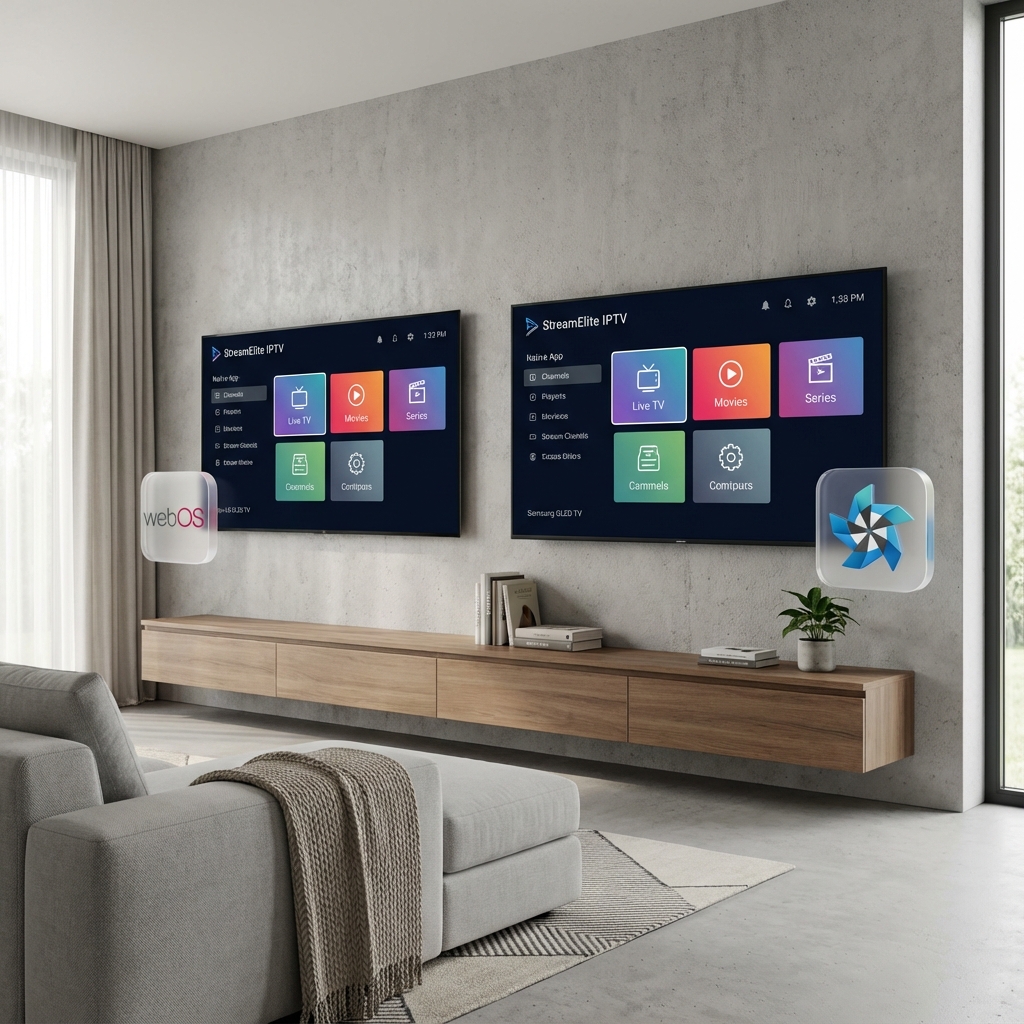
In the US, everyone uses a Firestick. But in Europe, we love our sleek setups. If you have a modern Samsung (Tizen) or LG (WebOS) Smart TV, you might not need an external box at all.
Modern Smart TV processors have become powerful enough to handle 4K IPTV streams natively. This guide shows you the best apps to install directly from your TV's App Store to get StreamElite running in minutes.
The "Big 3" Apps for Smart TVs
Unlike Android, Samsung and LG have "closed" app stores. You can't just install anything. These are the 3 best paid apps that are approved and safe.
1. IB Player (The Best Choice)
- Platform: Samsung & LG
- Cost: ~€8 (Lifetime) / 7-day Free Trial.
- Why it wins: It is incredibly fast. The interface looks like a modern Netflix clone. It handles StreamElite's massive EPG (TV Guide) without crashing your TV.
- Supports: 4K HDR, Multi-Audio (Change language on Sky Movies).
2. Nanomid Player
- Platform: Samsung & LG
- Cost: ~€10 (Lifetime).
- Best Feature: VPN-Bypass. Nanomid creates a secure proxy tunnel. If your ISP blocks IPTV, Nanomid can sometimes bypass it without needing a Router VPN.
3. SET IPTV
- Platform: Samsung & LG
- Cost: ~€15 (Lifetime).
- Verdict: Reliable, but the interface looks a bit dated (like 2015). Good backup if IB Player doesn't work.
Step-by-Step Installation Guide (IB Player)
Step 1: Download the App
- Turn on your Samsung/LG TV.
- Go to the App Store (Samsung APPS or LG Content Store).
- Search for "IB Player".
- Install and Open it.
Step 2: Get Your MAC Address/Device ID
- On the loading screen, you will see two numbers:
- Device ID: (e.g., 72:11:00:...)
- Device Key: (e.g., 8821)
- Write these down. Or take a photo with your phone.
Step 3: Upload Your Playlist
Note: You do this on your phone or laptop, not the TV.
- Go to the IB Player Management Website (https://ibplayer.com/manage).
- Enter your Device ID and Key.
- Click "Add Playlist".
- Name: StreamElite
- M3U URL: Paste the M3U Link we sent you in your Welcome Email.
- Click Save.
Step 4: Refresh and Watch
- Go back to your TV.
- Press the "Reload" (Red button usually) or restart the app.
- Your playlist will load! You now have Sky, BT, Canal+, and Movies directly on your remote.
Troubleshooting: "Why is it buffering on TV but fine on my phone?"
Smart TVs have one major weakness: Wi-Fi Cards. Samsung puts cheap Wi-Fi chips in even their expensive TVs.
The Fix:
- Use Ethernet: Connect a LAN cable from your router to the TV. This fixes 99% of Smart TV buffering.
- Clear Memory: Smart TVs run out of RAM. Hold the Power button on your remote for 5 seconds to cold-boot the TV before a big game.
Verdict: App vs. Firestick?
- Use the TV App IF: You want a clean setup, one remote, and mainly watch Live TV.
- Get a Firestick IF: You want advanced features (Recording/TiviMate), need a heavy VPN, or your TV feels slow.
Ready to active your TV? StreamElite generates compatbile M3U links for all Smart TV apps. [Get Your M3U Link Now]