The Ultimate Guide to Firestick Streaming in 2026: Unlock Your TV
The Amazon Fire TV Stick has quietly become the single most important piece of hardware in the modern living room. It isn't just a way to watch Prime Video; for millions of users, it is the gateway to global entertainment freedom.
In 2026, streaming legal live sports, international movies, and cutting-the-cord has never been easier—if you know how to unlock the true potential of this little plastic stick.
Whether you have the budget-friendly Fire TV Stick Lite or the powerhouse Fire TV Stick 4K Max (Gen 2), this guide is your masterclass. We will cover sideloading, the best apps for IPTV, and how to optimize your device to stop buffering forever.
Why Firestick is the #1 Choice for Streamers
Apple TV is faster. Nvidia Shield is more powerful. But the Firestick dominates the market (over 250 million sold) for one reason: Freedom.
Unlike Roku or Apple TV, the Firestick runs on Fire OS (a modified version of Android). This means you are not locked into the official App Store.
- Sideloading: You can install any Android app, giving you access to thousands of tools not found on the default menu.
- Portability: Plug it into a hotel TV, connect to Wi-Fi, and your entire home theatre travels with you.
- Price: At $39.99 (often $24.99 on sale), the price-to-performance ratio is unbeatable.
The Essential Apps for 2026 (Beyond Netflix)
You already have YouTube and Disney+. Here are the "Power User" apps you need to install immediately.
1. Downloader (The Key to the Kingdom)
- Cost: Free
- Purpose: This browser allows you to download files directly from the internet. It is the first app you must install to get everything else.
- How to get it: Search "Downloader" in the Amazon App Store.
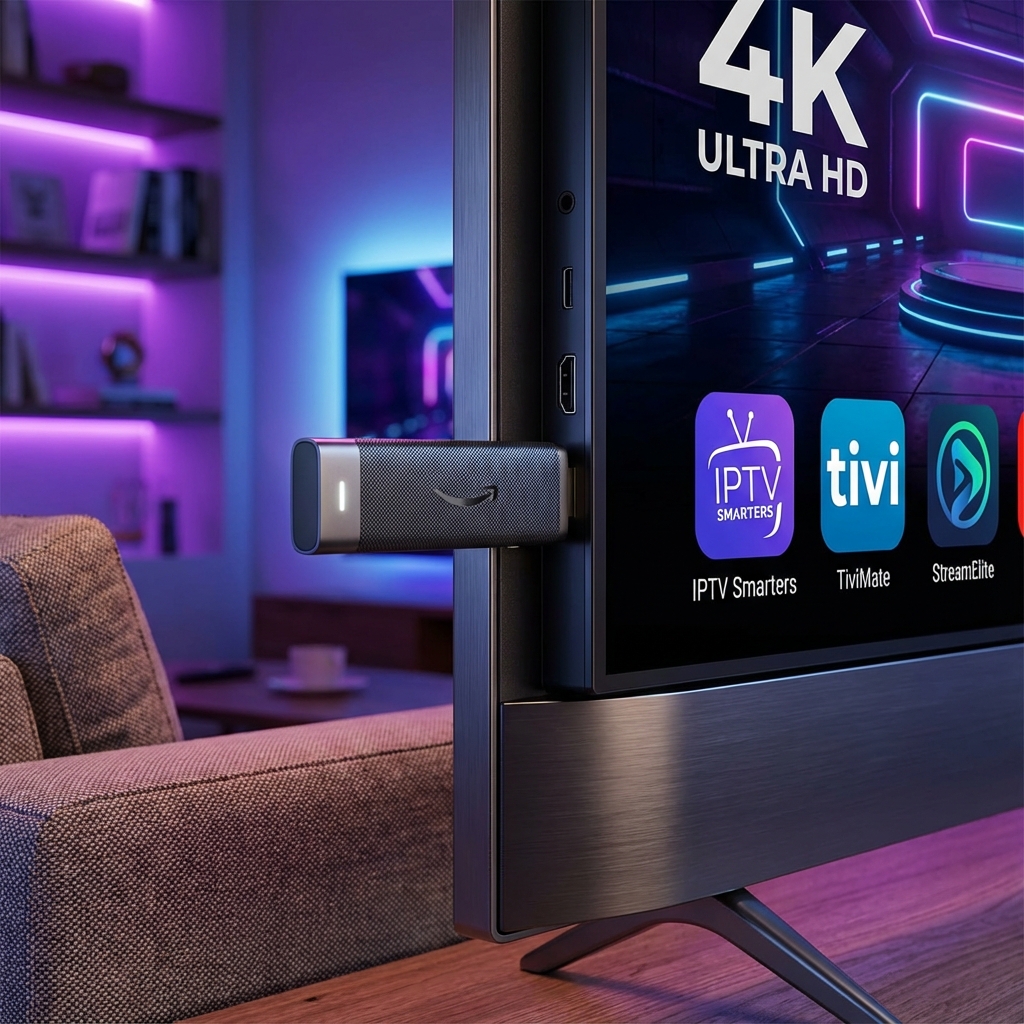
2. IPTV Smarters Pro (The Interface)
- Cost: Free / Premium
- Purpose: The gold standard for watching live TV. It takes your raw channel list and organizes it into a beautiful, cable-box style guide (EPG).
- Why it wins: Multi-screen support, parental controls, and blazing fast channel switching.
- Read Guide: How to Install IPTV Smarters on Firestick
3. TiviMate (The Premium Choice)
- Cost: ~$10/year
- Purpose: If you are serious about sports, TiviMate is non-negotiable. It creates an interface that looks better than Sky Q or Comcast Xfinity.
- Best Feature: "Multiview" lets you watch 4 Premier League games simultaneously on one screen.
4. Background Apps & Process List
- Cost: Free
- Purpose: Firesticks have limited RAM. This app kills hidden processes running in the background (like Prime Video auto-updates) that slow down your live stream.
Optimization: How to Stop Buffering on Firestick
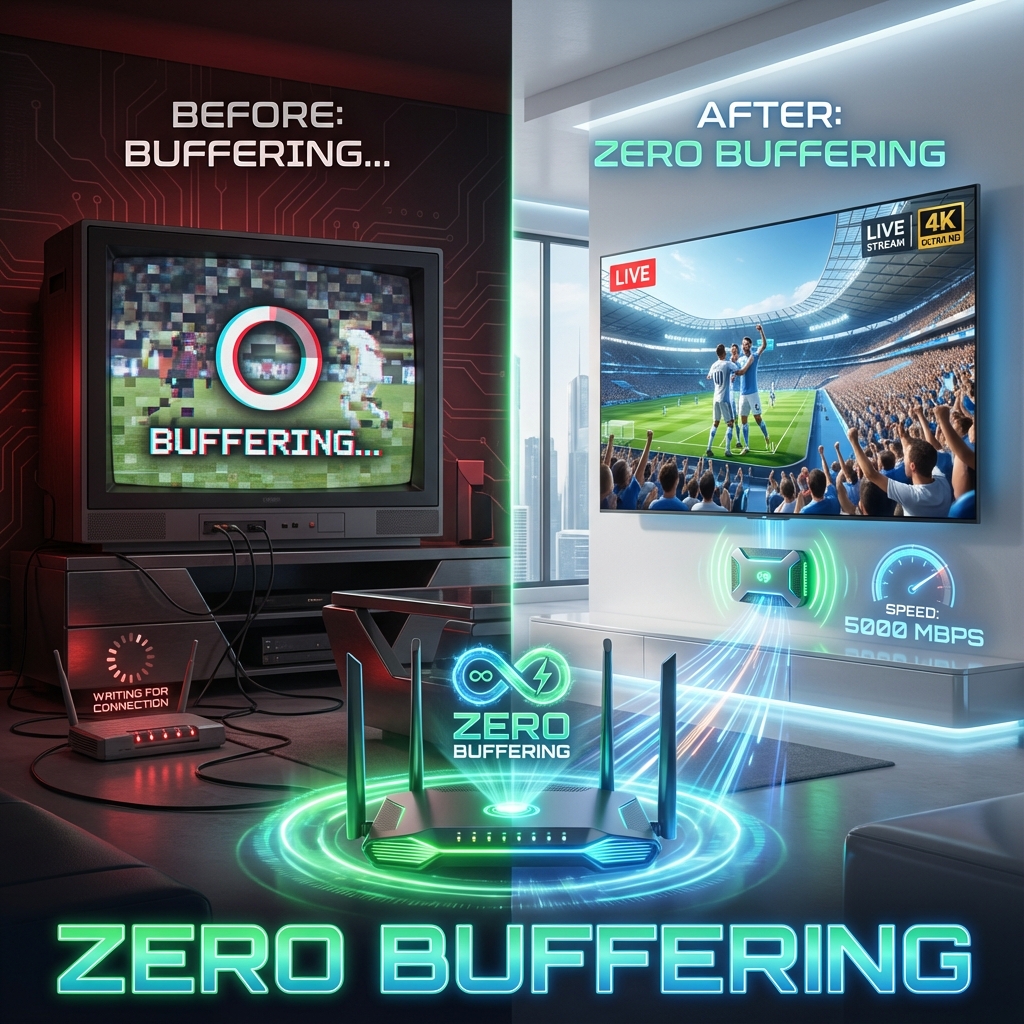
The #1 complaint we hear: "My Firestick is buffering." 90% of the time, it isn't your internet speed—it's your setup.
1. Use the HDMI Extender
Amazon includes a short 4-inch HDMI cable in the box. USE IT.
- Why: Plugging the stick directly into the back of your TV sandwiches it between the TV panel (electronic interference) and the wall. This kills Wi-Fi range. The extender moves it away from the "noise."
2. Clear Cache (The Weekly Ritual)
Apps like Netflix and YouTube hoard data.
- Action: Go to
Settings > Applications > Manage Installed Applications. - Do: Select each app and click "Clear Cache" (NOT Clear Data). This frees up critical RAM.
3. Hardwire It (Ethernet)
Wi-Fi is unstable. Ethernet is rock solid.
- Upgrade: Buy the official Amazon Ethernet Adapter ($15). It limits speed to 100Mbps (USB 2.0 limit), but the stability (ping) becomes perfect, eliminating the "micro-stutters" in sports.
- Read Guide: 5 Instant Fixes for Firestick Buffering
Security: Do You Need a VPN?
The internet is not private. Your ISP (Internet Service Provider) sees everything you stream. If they detect you are watching high-bandwidth video (like 4K Sports), they often intentionally slow you down (Throttling).
In 2026, a VPN on Firestick is essential for two reasons:
- Privacy: It encrypts your meaningful data.
- Speed: By hiding your traffic, you bypass ISP throttling.
Conclusion: Take Control of Your TV
The Firestick is more than a plastic dongle; it is a tool. Out of the box, it is a shopping mall for Amazon content. With a few tweaks, it becomes a high-performance streaming command center.
Ready to feed your Firestick? Having the best device means nothing without the best content. StreamElite is optimized perfectly for Firestick apps like TiviMate and Smarters.
- 4K Global Sports
- No Buffering (High Bitrate Servers)
- Instant Activation
[Start Your StreamElite Trial Today] and see what your Firestick can really do.